
LinkedHashMap in Java
Overview of LinkedHashMap
The LinkedHashMap class is a part of the Java Collections Framework and extends the capabilities of the HashMap class. It provides a combination of the fast access times of a hash table with the predictable iteration order of a linked list. This unique feature allows developers to maintain the order of entries based on their insertion sequence, which is particularly useful in scenarios where the order of elements matters.
For example, consider a web application that needs to display recently accessed items in the order they were viewed. A LinkedHashMap can be employed to store these items, ensuring that the most recently accessed items appear first, while still allowing for quick access to any item in the collection.
Key Features of LinkedHashMap
- Order Preservation: Unlike HashMap, LinkedHashMap maintains the order of its entries based on their insertion order.
- Performance: While it is slightly slower than HashMap due to the overhead of maintaining the linked list, it still provides O(1) time complexity for basic operations such as get and put.
- Null Handling: LinkedHashMap allows for one null key and multiple null values, similar to HashMap.
- Iteration: The iteration over the entries in a LinkedHashMap is predictable, making it suitable for use cases where order matters.
Using LinkedHashMap
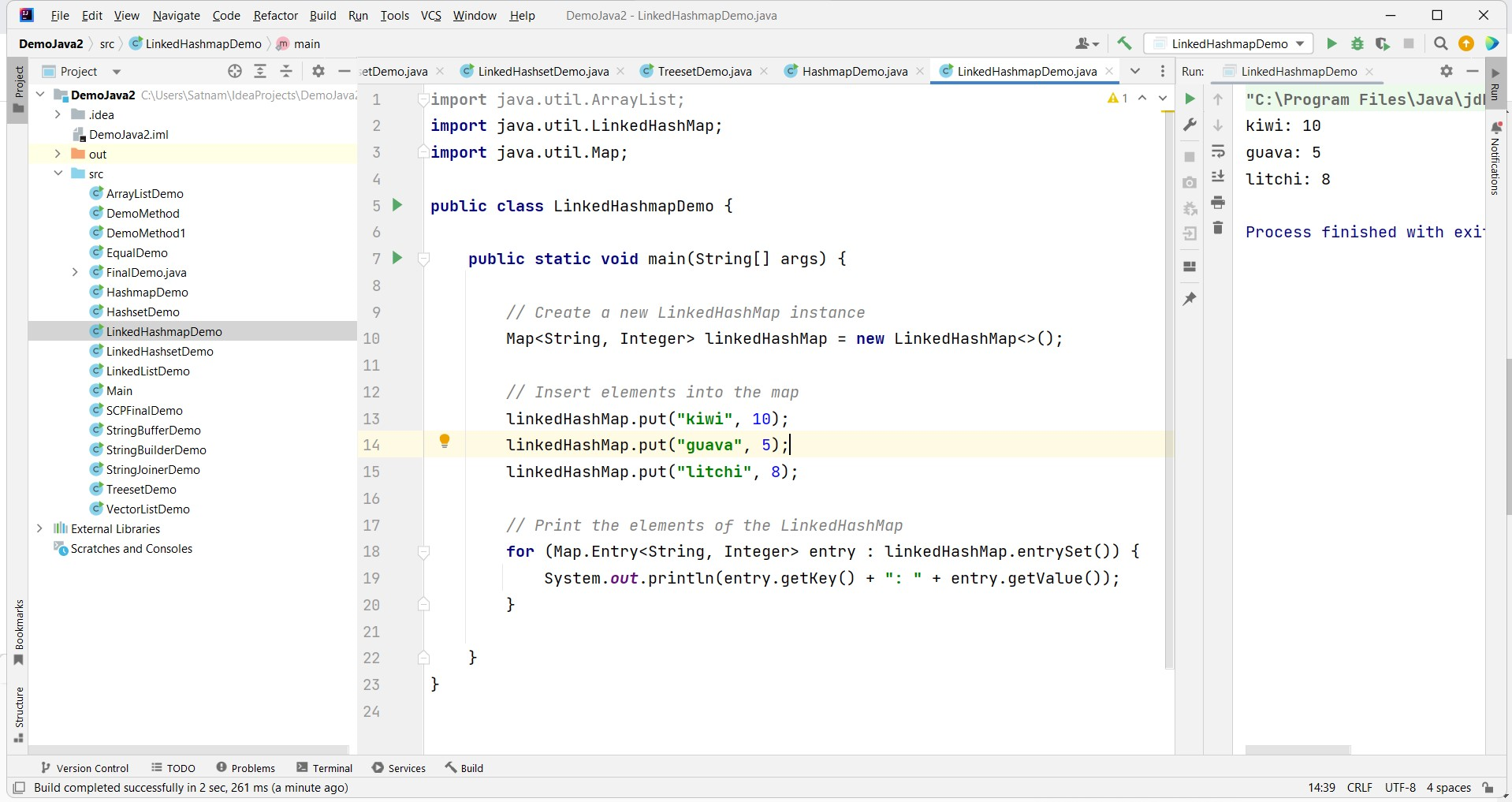
To utilize LinkedHashMap in your Java application, you must first import the necessary classes from the java.util package. Below is a basic example illustrating how to create a LinkedHashMap, insert elements, and iterate through them:
import java.util.LinkedHashMap;
import java.util.Map;

public class LinkedHashMapExample {
    public static void main(String[] args) {
        // Create a new LinkedHashMap instance
        Map<String, Integer> linkedHashMap = new LinkedHashMap<>();

        // Insert elements into the map
        linkedHashMap.put("kiwi", 10);
        linkedHashMap.put("guava", 5);
        linkedHashMap.put("litchi", 8);

        // Print the elements of the LinkedHashMap
        for (Map.Entry<String, Integer> entry : linkedHashMap.entrySet()) {
            System.out.println(entry.getKey() + ": " + entry.getValue());
        }
    }
}
The output of this code will be:
kiwi: 10
guava: 5
litchi: 8
Advanced Features of LinkedHashMap
LinkedHashMap offers additional features that can be leveraged for more complex scenarios. One such feature is the ability to create a LinkedHashMap with a specified access order. When the access order is specified, the iteration order of the map will be based on the last access time of the entries, rather than their insertion order. This is particularly useful for implementing cache mechanisms.
import java.util.LinkedHashMap;
import java.util.Map;
import java.util.Iterator;

public class AccessOrderExample {
    public static void main(String[] args) {
        // Create a LinkedHashMap with access order
        Map<String, Integer> linkedHashMap = new LinkedHashMap<>(16, 0.75f, true);

        // Insert elements into the map
        linkedHashMap.put("apple", 1);
        linkedHashMap.put("banana", 2);
        linkedHashMap.put("cherry", 3);

        // Access some elements
        linkedHashMap.get("apple");
        linkedHashMap.get("banana");

        // Print the elements of the LinkedHashMap
        Iterator<Map.Entry<String, Integer>> iterator = linkedHashMap.entrySet().iterator();
        while (iterator.hasNext()) {
            Map.Entry<String, Integer> entry = iterator.next();
            System.out.println(entry.getKey() + ": " + entry.getValue());
        }
    }
}
The output will reflect the access order:
cherry: 3
apple: 1
banana: 2
Edge Cases & Gotchas
While LinkedHashMap is a versatile data structure, there are a few edge cases and gotchas to be aware of:
- Iteration Order: Be cautious when using iteration in a multi-threaded environment. If one thread modifies the map while another is iterating, it may lead to ConcurrentModificationException.
- Memory Usage: LinkedHashMap consumes more memory than HashMap due to the maintenance of the linked list. This should be considered when working with large datasets.
- Performance Trade-offs: The performance advantage of O(1) for get and put operations may be offset by the overhead of maintaining the linked list, particularly with frequent deletions.
Performance & Best Practices
When using LinkedHashMap, it is crucial to understand its performance characteristics. Here are some best practices to ensure optimal usage:
- Choose the Right Constructor: If you require access order, always use the constructor that allows you to specify this. For general use, the default constructor suffices.
- Limit Size for Caching: When implementing caching mechanisms, consider setting a maximum size for the LinkedHashMap to prevent excessive memory usage.
- Use Concurrent Collections: If your application is multi-threaded, consider using ConcurrentHashMap in conjunction with LinkedHashMap to ensure thread safety.
Conclusion
In summary, the LinkedHashMap class is an essential tool in the Java Collections Framework, providing a combination of order preservation and efficient access to elements. It is particularly suitable for scenarios where the order of insertion matters or when implementing caching mechanisms. However, developers should be mindful of its performance characteristics and edge cases.
- LinkedHashMap maintains insertion order, unlike HashMap.
- It provides predictable iteration, making it useful for ordered data.
- Be aware of memory overhead and performance trade-offs.
- Utilize access order for caching scenarios to enhance performance.
