
Countown Timer in Javascript
What is a Countdown Timer?
A countdown timer is a timekeeping device that counts down from a specified time to zero. It is widely used in applications where time management is crucial, such as countdowns for events, deadlines, and even in games. The timer visually represents the time remaining, providing users with a clear indication of how much time they have left.
In web development, countdown timers enhance user experience by adding a sense of urgency or excitement. They can be used for promotions, sales, or any event that has a defined time limit. For instance, an e-commerce website might use a countdown timer to create urgency for a limited-time offer.
Prerequisites
Before diving into the code, ensure you have a basic understanding of HTML, CSS, and JavaScript. Familiarity with DOM manipulation in JavaScript will be beneficial as we will be interacting with HTML elements to display the countdown timer.
Creating the HTML Structure
To create our countdown timer, we will first need a simple HTML structure. This includes a <div> or <span> element where the timer will be displayed. Below is an example of how you can set up your HTML:
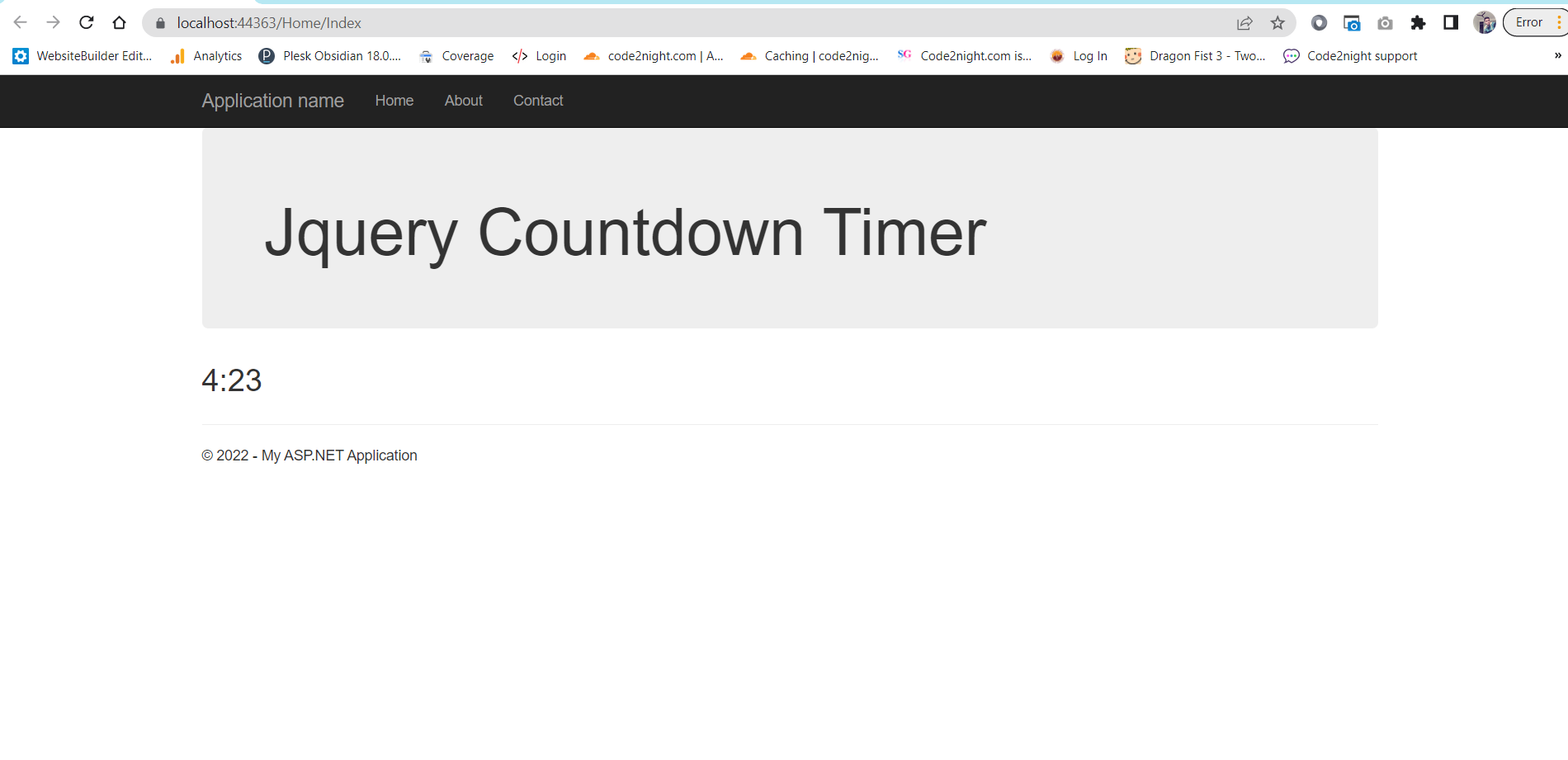
<div class="jumbotron"> <h1>JavaScript Countdown Timer</h1> </div> <div id="timer" style="font-size:30px"> 5:00 </div>In this example, we have a heading that describes the timer and a div with an ID of timer that will display the countdown starting at 5 minutes.
Implementing the Countdown Timer Logic
Next, we will write the JavaScript code to implement the countdown timer functionality. This involves setting up a function that updates the timer every second. Here is the script that you can add to your page:
setTimeout(startTimer, 1000);

var ResetTimer = function () {
    document.getElementById('timer').innerHTML = "5:00";
};

function startTimer() {
    var presentTime = document.getElementById('timer').innerHTML;
    var timeArray = presentTime.split(/[:]+/);
    var m = timeArray[0];
    var s = checkSecond((timeArray[1] - 1));
    if (s == 59) { m = m - 1; }
    if (m < 0) { return; }
    document.getElementById('timer').innerHTML = m + ":" + s;
    if (parseInt(m) == 0 && parseInt(s) == 0) { ResetTimer(); }
    console.log(m);
    setTimeout(startTimer, 1000);
}

function checkSecond(sec) {
    if (sec < 10 && sec >= 0) { sec = "0" + sec; }
    if (sec < 0) { sec = "59"; }
    return sec;
}
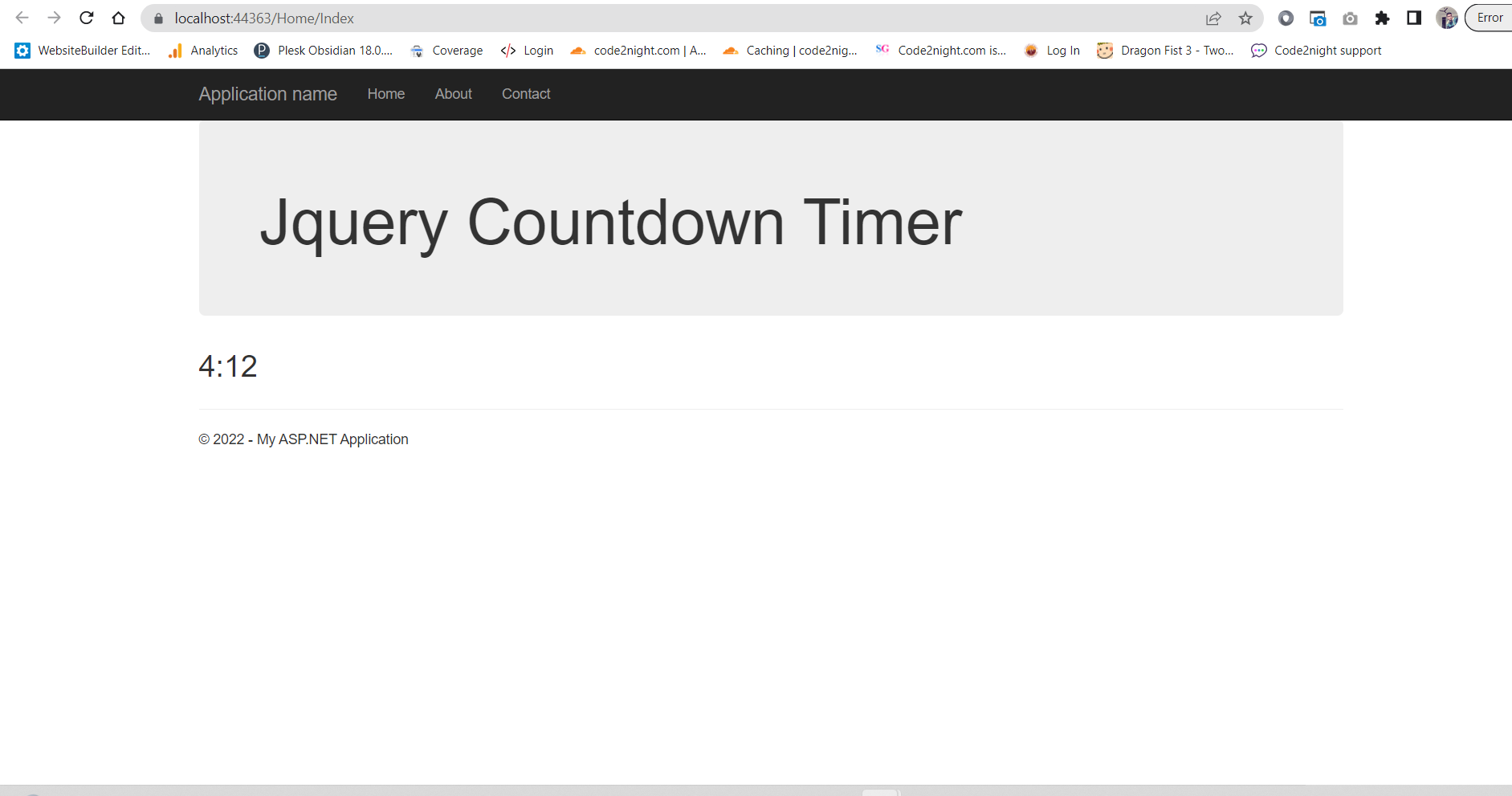
In this code, we start the timer with a default value of 5 minutes. The startTimer function updates the time every second. If the seconds reach zero, the timer resets back to 5 minutes.
Enhancing the Timer with User Input
To make our countdown timer more interactive, we can allow users to set their own time. This can be achieved by adding an input field where users can specify the desired countdown time. Below is an example of how to implement this:
<input type="text" id="customTime" placeholder="Enter time in mm:ss">
<button onclick="setCustomTime()">Start Timer</button>
Next, we will need to add a function to handle the custom time input:
function setCustomTime() {
    var userInput = document.getElementById('customTime').value;
    document.getElementById('timer').innerHTML = userInput;
    startTimer();
}
With this implementation, users can enter their desired countdown time in the format of minutes and seconds, and the timer will start from that value.
Styling the Countdown Timer
To make our countdown timer visually appealing, we can apply some CSS styles. Below is an example of how you can style the timer:
#timer {
    font-size: 50px;
    color: #FF5733;
    font-weight: bold;
    text-align: center;
}
Feel free to customize the styles to match your website's theme. You can also add animations or transitions to make the countdown more engaging.
Edge Cases & Gotchas
When implementing a countdown timer, there are a few edge cases to consider:
- Negative Time: Ensure that the timer does not allow negative values. This can happen if the user manually enters an invalid time.
- Multiple Timer Instances: If a user starts multiple timers, ensure that they do not interfere with each other. You may want to disable the start button once a timer is running.
- Browser Compatibility: Test your countdown timer across different browsers to ensure consistent behavior.
Performance & Best Practices
To ensure optimal performance of your countdown timer, consider the following best practices:
- Efficient DOM Manipulation: Minimize DOM updates to improve performance. For example, avoid updating the timer display if the time hasn't changed.
- Use
requestAnimationFrame: Instead of usingsetTimeout, consider usingrequestAnimationFramefor smoother animations and better performance. - Accessibility: Ensure that your timer is accessible to all users, including those using screen readers. Provide appropriate ARIA labels and roles.
Conclusion
In this tutorial, we covered how to create a countdown timer in JavaScript from scratch. We explored how to implement the timer logic, allow user input, and style the timer for better presentation. Here are the key takeaways:
- Countdown timers are useful for various applications, enhancing user experience.
- JavaScript can be used to create interactive countdown timers with user input.
- Consider edge cases and performance best practices while implementing your timer.
