
Multiple rows to one comma separated value in Sql Server
Overview of Comma-Separated Values in SQL Server
When working with relational databases, you may encounter situations where you need to present data in a more digestible format. One common requirement is to convert multiple rows into a single comma-separated value. This can simplify the output for users and make it easier to manage data in applications or reports.
For instance, if you have a database of customers and their purchased items, you might want to display each customer's purchases in a single line instead of multiple rows. SQL Server provides robust methods to achieve this, allowing you to concatenate rows efficiently.
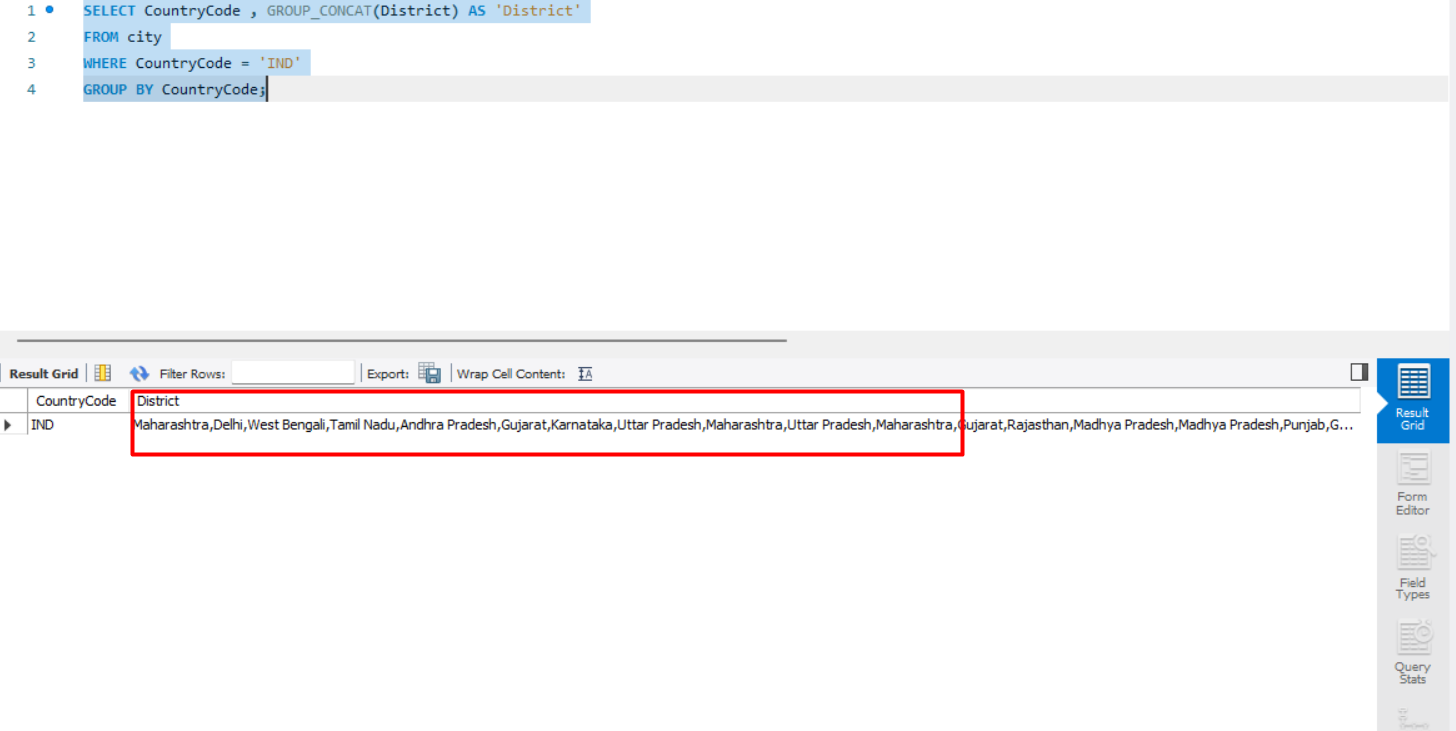
Prerequisites
Before diving into the techniques for converting multiple rows into a comma-separated list, ensure you have the following:
- A working installation of SQL Server (2012 or later recommended).
- Basic understanding of SQL syntax and operations.
- Access to a SQL Server Management Studio (SSMS) for executing queries.
Using the STUFF and FOR XML PATH Method
The STUFF function combined with FOR XML PATH is one of the most common methods to achieve the desired output in SQL Server. The FOR XML PATH clause transforms the result set into XML format, which can then be manipulated into a string format.
DECLARE @Table1 TABLE(ID INT, Value INT)
INSERT INTO @Table1 VALUES (1,100),(1,200),(2,300),(2,400)

SELECT ID,
    STUFF((SELECT ', ' + CAST(Value AS VARCHAR(10))
           FROM @Table1 WHERE ID = t.ID
           FOR XML PATH(''''), TYPE).value('','NVARCHAR(MAX)'), 1, 2, '''') AS List_Output
FROM @Table1 t
GROUP BY ID;
In this example, we first declare a table variable and insert some sample data. The query selects the ID and uses the STUFF function to concatenate the values associated with each ID into a single comma-separated string.
Using STRING_AGG Function (SQL Server 2017 and later)
Starting from SQL Server 2017, Microsoft introduced the STRING_AGG function, which simplifies the process of concatenating values from multiple rows. This function allows you to specify a delimiter directly, making it more intuitive than previous methods.
DECLARE @Table1 TABLE(ID INT, Value INT)
INSERT INTO @Table1 VALUES (1,100),(1,200),(2,300),(2,400)

SELECT ID,
    STRING_AGG(Value, ', ') AS List_Output
FROM @Table1
GROUP BY ID;
In this example, the STRING_AGG function aggregates the Value column for each ID into a comma-separated string. This method is more straightforward and improves code readability.
Handling NULL Values
To avoid this, you can use the COALESCE function to replace NULL values with an empty string or a default value.
SELECT ID,
    STRING_AGG(COALESCE(Value, ''), ', ') AS List_Output
FROM @Table1
GROUP BY ID;
This ensures that NULL values do not disrupt the concatenation process, providing a cleaner output.
Edge Cases & Gotchas
While concatenating rows into a comma-separated value is generally straightforward, there are several edge cases and gotchas to be aware of:
- Performance Issues: For large datasets, using FOR XML PATH can lead to performance degradation. It's advisable to test performance and consider indexing.
- Order of Values: The order of concatenated values may not always be guaranteed unless explicitly defined. Use ORDER BY in your subquery when necessary.
- Data Types: Ensure that all values being concatenated are of compatible data types. Mismatched data types can lead to conversion errors.
Performance & Best Practices
When working with techniques to convert multiple rows into a single value, consider the following best practices:
- Use STRING_AGG: If you're using SQL Server 2017 or later, prefer STRING_AGG for its simplicity and performance benefits.
- Consider Indexing: If you're frequently querying large datasets, appropriate indexing can significantly improve performance.
- Limit Output Size: Be cautious about the maximum size of the output. SQL Server has limits on string lengths, so ensure your expected output does not exceed NVARCHAR(MAX).
Conclusion
In conclusion, converting multiple rows to a comma-separated value in SQL Server can enhance data presentation and usability. By understanding the various methods available and adhering to best practices, you can effectively manage and display your data.
- SQL Server provides multiple techniques for concatenating rows into a single value.
- STRING_AGG is the preferred method for SQL Server 2017 and later.
- Always consider NULL values and data types during concatenation.
- Performance can be improved through indexing and careful query design.
