A non-fatal error occured during cluster initialisation in Postgre SQL
Understanding the Error
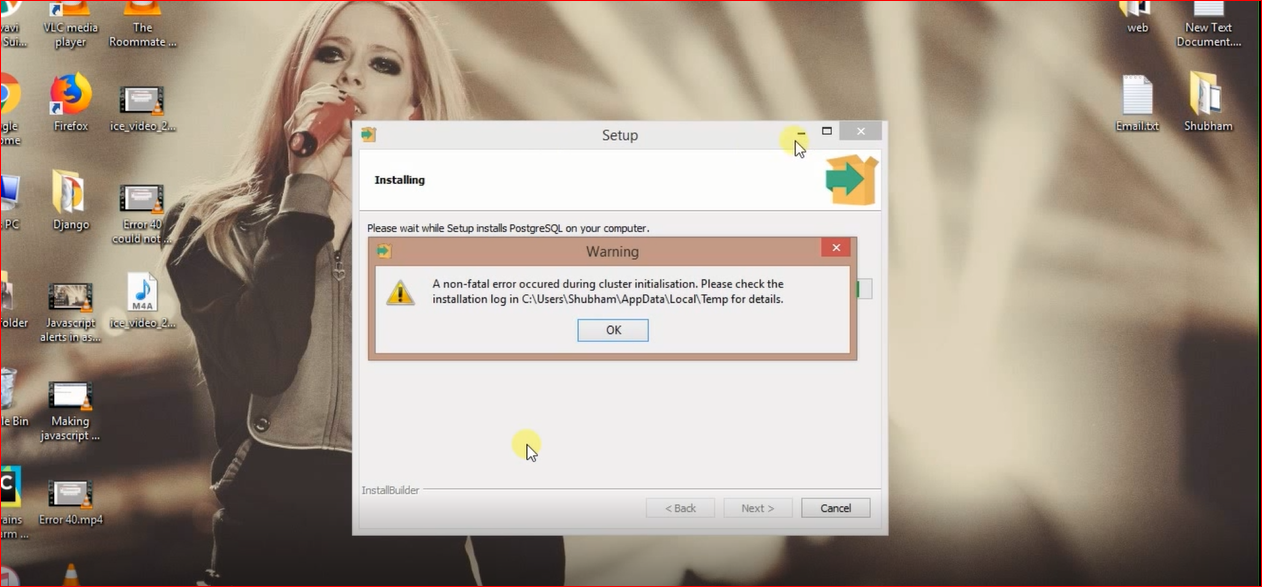
The error 'A non-fatal error occurred during cluster initialization' typically appears during the installation process of PostgreSQL. This message indicates that while the installation was able to proceed, there were issues initializing the database cluster, which is crucial for PostgreSQL to function correctly. Understanding the root cause of this error is essential for effective troubleshooting.
Common reasons for this error include file permission issues, existing PostgreSQL installations, or incorrect configuration settings. By addressing these potential pitfalls, you can ensure a smoother installation process. To check if there are existing clusters, you can run the following SQL command:
SELECT * FROM pg_catalog.pg_database;Prerequisites for Installation
Before proceeding with the installation of PostgreSQL, ensure that your system meets the following prerequisites:
- Operating System: PostgreSQL is compatible with various operating systems, including Windows, Linux, and macOS. Ensure you're using a supported version.
- Administrative Access: You need administrative privileges to install PostgreSQL, particularly when creating folders and modifying system paths.
- Disk Space: Ensure that you have sufficient disk space available for the installation and data storage.
Step-by-Step Installation Process
Here’s a detailed, step-by-step guide to successfully install PostgreSQL and resolve the aforementioned error:
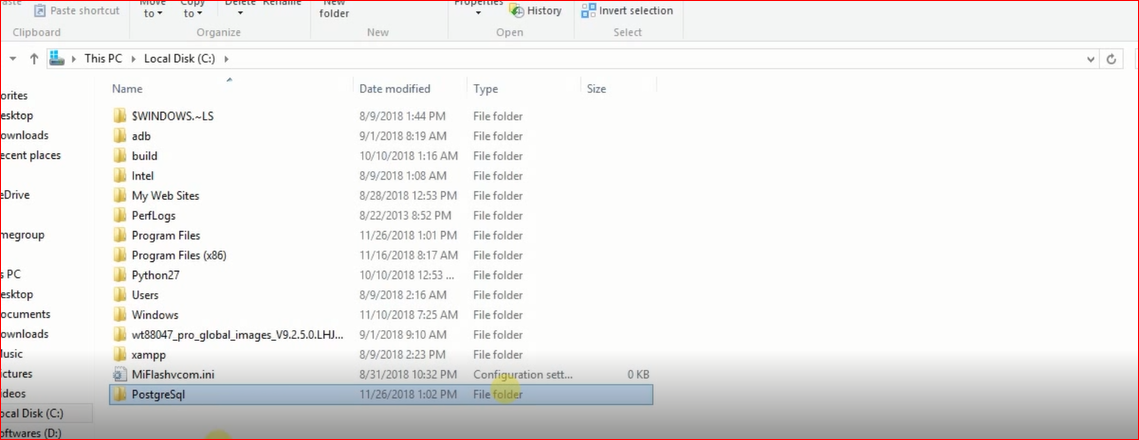
- Delete the existing PostgreSQL folder from the Program Files.
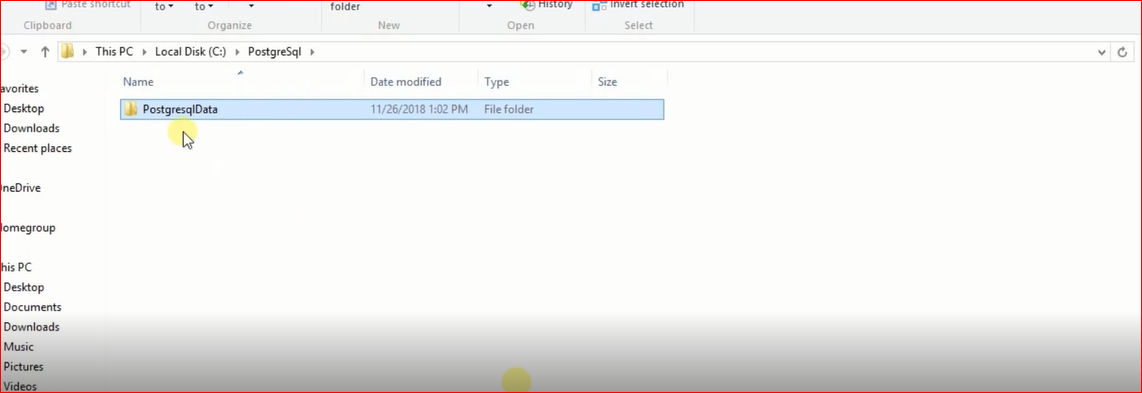
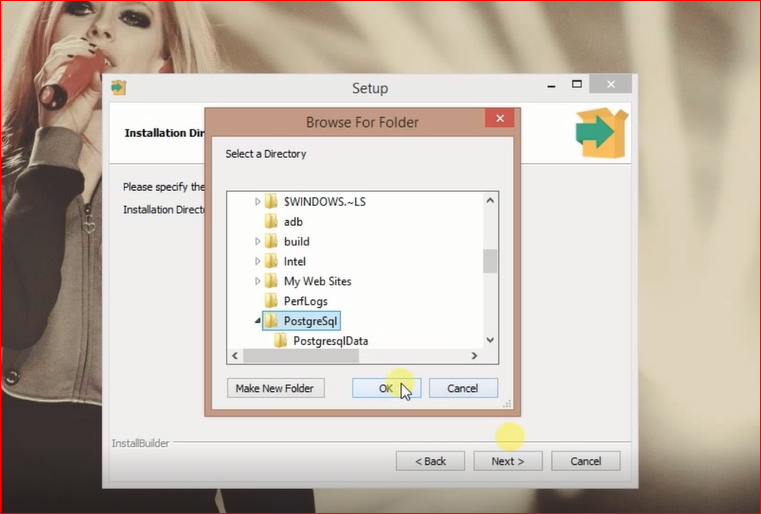
- Create a new folder named PostgreSql in the same location as shown in the image below.
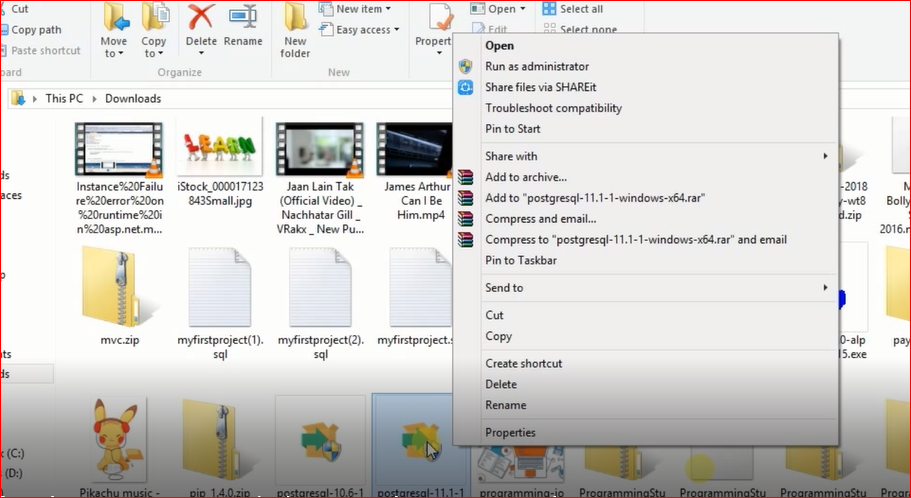
- Run the setup again by right-clicking and selecting Run As Administrator.
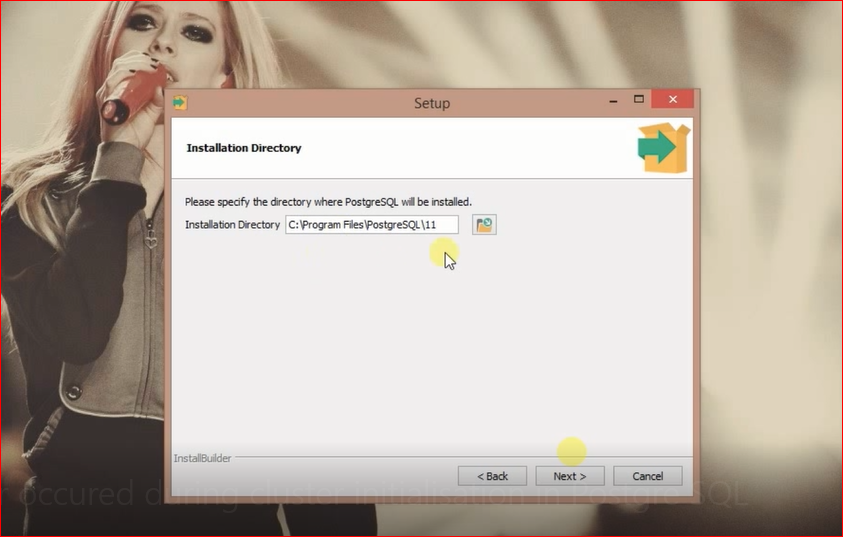
- Change the installation location to C:\PostgreSql by clicking the folder icon on the right side.
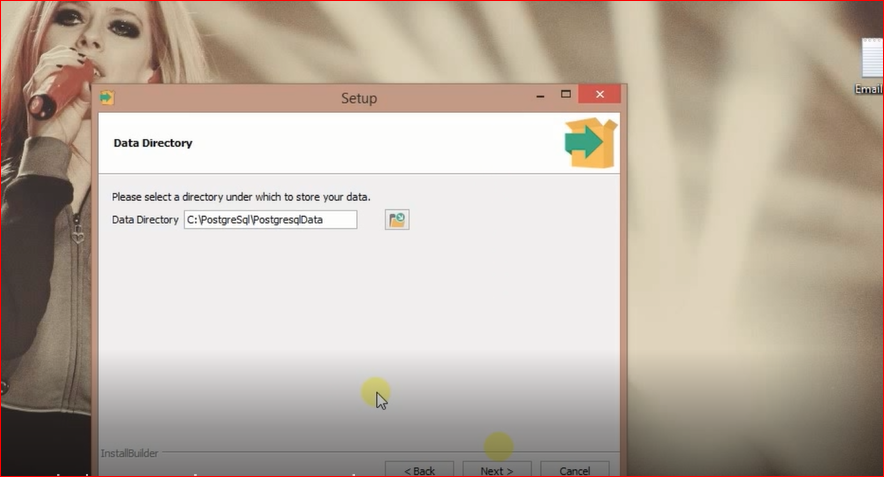
- On the next step, change the data folder location to C:\PostgreSql\PostgreSqlData.
- Set the folder location as shown in the setup wizard.
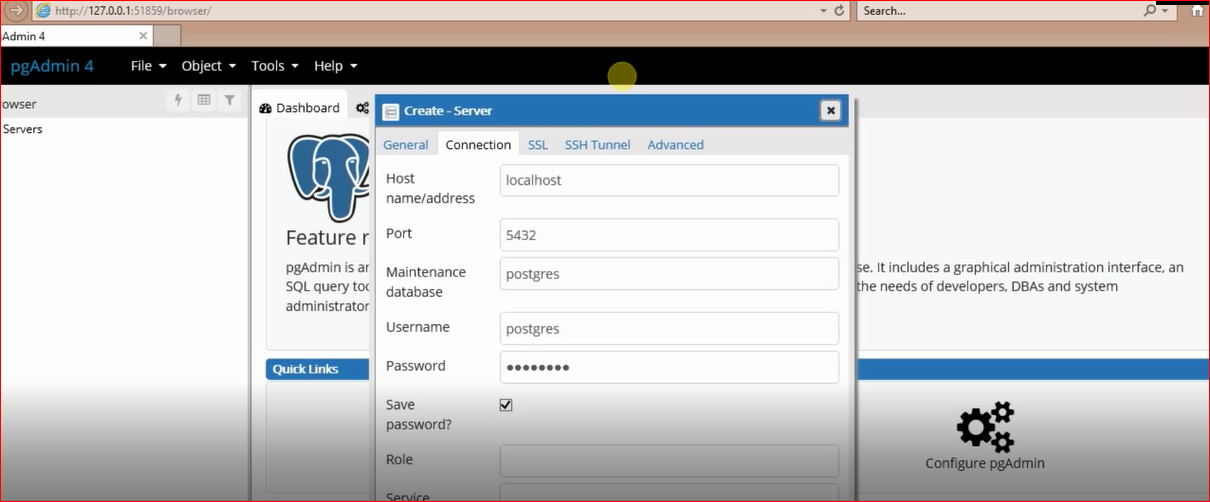
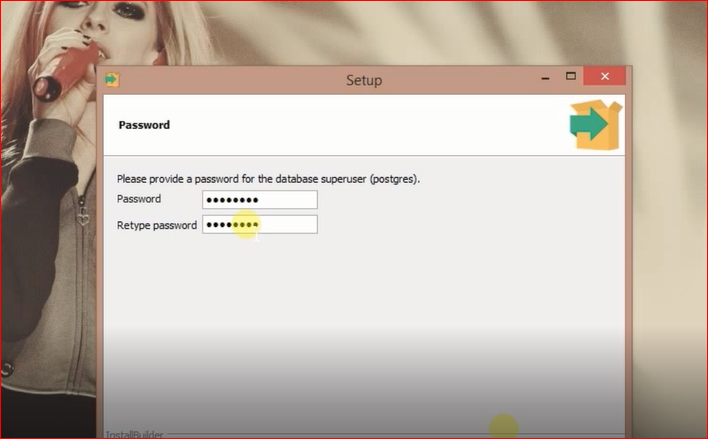
- Enter your username and password; you will need these for database connections.
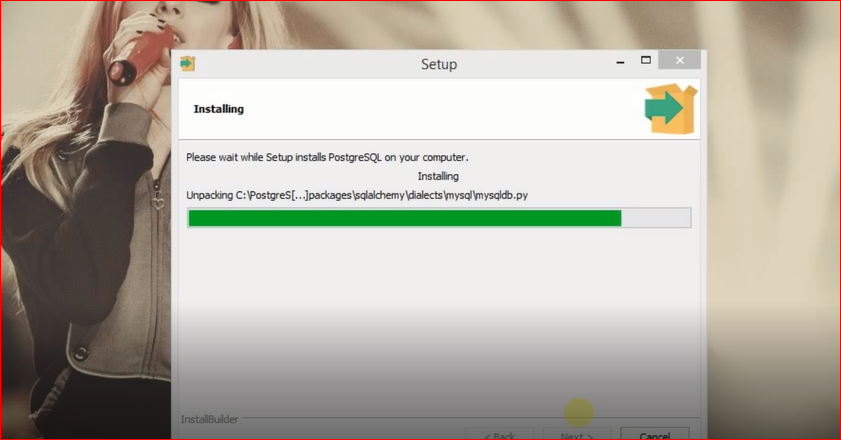
- Click Next to start the installation process.
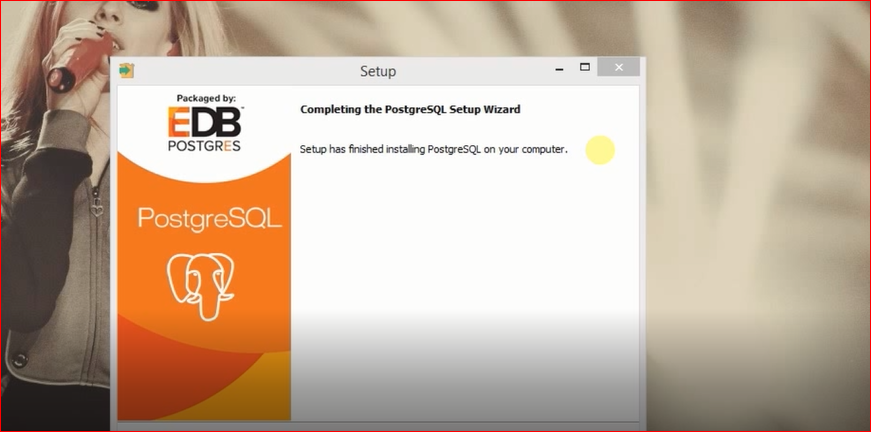
- Once the installation is complete, click Finish.
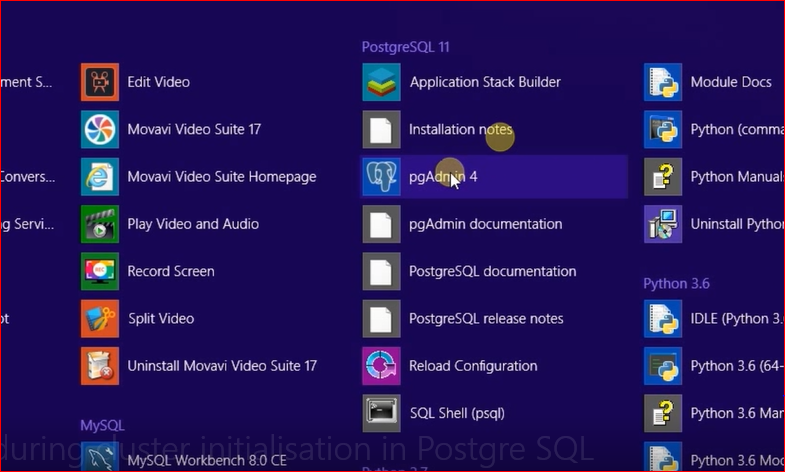
- Look for pgAdmin4 and click on it to start PostgreSQL.
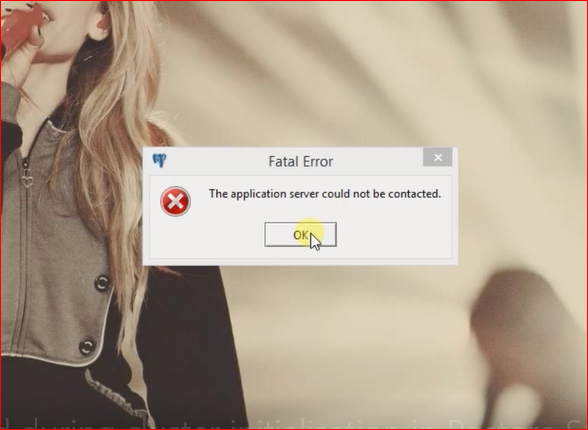
- You may see the error again, but don't worry. Just click OK and reopen pgAdmin4.
- After reopening, PostgreSQL should start without any issues.
- Congratulations! You have resolved the error.

Edge Cases & Gotchas
While following the above steps should resolve the error in most cases, there are some edge cases to consider:
- Existing PostgreSQL Installations: If you have a previous installation of PostgreSQL, ensure that it is completely uninstalled. This includes checking for leftover files in the installation directory and the data directory.
- File Permissions: Make sure that you have the necessary permissions to create folders and write to the installation and data directories. If you encounter permission issues, consider running the installer as an administrator.
- Antivirus/Firewall Interference: Sometimes, antivirus software may interfere with the installation process. Temporarily disabling it during installation might help.
Performance & Best Practices
Once you have successfully installed PostgreSQL, consider the following best practices to optimize performance:
- Regular Backups: Implement a regular backup strategy to avoid data loss. Use tools like pg_dump for backups.
pg_dump -U username -W -F t dbname > dbname.tarConclusion
In summary, the error 'A non-fatal error occurred during cluster initialization' can be resolved with a few straightforward steps. By ensuring you meet the prerequisites, following the installation steps carefully, and considering best practices post-installation, you can manage your PostgreSQL installation effectively.
Key Takeaways:
- Ensure your system meets all prerequisites before installation.
- Follow the provided installation steps carefully to avoid common pitfalls.
- Check for existing installations and clean up any remnants.
- Implement best practices for database management and performance optimization.