
Image Compression in Asp.net MVC
Image Compression
So, we can perform image compression in asp.net mvc without any specific third party library or nugget package. We will be using Bitmap images to compress the images uploaded by user. So you have to follow these steps.
First of all we will take one new Asp.Net mvc web project and add one new view in that and add one input type file and one button for uploading the file to server. So, copy this code in the view
@{
    ViewBag.Title = "Home Page";
}

@using (Html.BeginForm("Compression", "Home", FormMethod.Post, new {@enctype="multipart/form-data" }))
{
<input  type="file" id="file" name="file"/>
<input type="submit" value="Save"/>
}
After adding this code in the view now we will go to controller and add few namespaces
using System.Drawing;
using System.Drawing.Drawing2D;
using System.Drawing.Imaging;
using System.IO;
Now after we have done adding the required namespace we will add one method in the controller for compression So our method will be like this . You have to add these method in the controller. Later we will use them in HTTPPost Action.
  public static void Compressimage(string targetPath, String filename, Byte[] byteArrayIn)
        {
            try
            {
                System.Drawing.ImageConverter converter = new System.Drawing.ImageConverter();
                using (MemoryStream memstr = new MemoryStream(byteArrayIn))
                {
                    using (var image = Image.FromStream(memstr))
                    {
                        float maxHeight = 900.0f;
                        float maxWidth = 900.0f;
                        int newWidth;
                        int newHeight;
                        string extension;
                        Bitmap originalBMP = new Bitmap(memstr);
                        int originalWidth = originalBMP.Width;
                        int originalHeight = originalBMP.Height;

                        if (originalWidth > maxWidth || originalHeight > maxHeight)
                        {

                            // To preserve the aspect ratio
                            float ratioX = (float)maxWidth / (float)originalWidth;
                            float ratioY = (float)maxHeight / (float)originalHeight;
                            float ratio = Math.Min(ratioX, ratioY);
                            newWidth = (int)(originalWidth * ratio);
                            newHeight = (int)(originalHeight * ratio);
                        }
                        else
                        {
                            newWidth = (int)originalWidth;
                            newHeight = (int)originalHeight;

                        }
                        Bitmap bitMAP1 = new Bitmap(originalBMP, newWidth, newHeight);
                        Graphics imgGraph = Graphics.FromImage(bitMAP1);
                        extension = Path.GetExtension(targetPath);
                        if (extension.ToLower() == ".png" || extension.ToLower() == ".gif" || extension.ToLower() == ".jpeg")
                        {
                            imgGraph.SmoothingMode = SmoothingMode.AntiAlias;
                            imgGraph.InterpolationMode = InterpolationMode.HighQualityBicubic;
                            imgGraph.DrawImage(originalBMP, 0, 0, newWidth, newHeight);
                            bitMAP1.Save(targetPath, image.RawFormat);
                            bitMAP1.Dispose();
                            imgGraph.Dispose();
                            originalBMP.Dispose();
                        }
                        else if (extension.ToLower() == ".jpg")
                        {
                            imgGraph.SmoothingMode = SmoothingMode.AntiAlias;
                            imgGraph.InterpolationMode = InterpolationMode.HighQualityBicubic;
                            imgGraph.DrawImage(originalBMP, 0, 0, newWidth, newHeight);
                            ImageCodecInfo jpgEncoder = GetEncoder(ImageFormat.Jpeg);
                            System.Drawing.Imaging.Encoder myEncoder = System.Drawing.Imaging.Encoder.Quality;
                            EncoderParameters myEncoderParameters = new EncoderParameters(1);
                            EncoderParameter myEncoderParameter = new EncoderParameter(myEncoder, 50L);
                            myEncoderParameters.Param[0] = myEncoderParameter;
                            bitMAP1.Save(targetPath, jpgEncoder, myEncoderParameters);

                            bitMAP1.Dispose();
                            imgGraph.Dispose();
                            originalBMP.Dispose();
                        }
                    }
                }
            }
            catch (Exception ex)
            {
                string exc = ex.Message;
                throw;

            }
        }

        public static ImageCodecInfo GetEncoder(ImageFormat format)
        {

            ImageCodecInfo[] codecs = ImageCodecInfo.GetImageDecoders();

            foreach (ImageCodecInfo codec in codecs)
            {
                if (codec.FormatID == format.Guid)
                {
                    return codec;
                }
            }
            return null;
        }
So, now we are ready to create an action for compression image file and saving optimized image.
        [HttpPost]
        public ActionResult Compression(HttpPostedFileBase file)
        {
            using (var ms = new MemoryStream())
            {
                var targetImagepath = Server.MapPath("/Content/Compressed/" + Path.GetFileNameWithoutExtension(file.FileName) + "_Compressed" + DateTime.Now.ToString("ddMMyyyyhhmmss") + Path.GetExtension(file.FileName));
                byte[] image = new byte[file.ContentLength];
                file.InputStream.Read(image, 0, image.Length);
                Compressimage(targetImagepath, "",image);
            }
            return RedirectToAction("Index");
        }
Here, you can see we have passed HttpPostedFileBase as parameter which will have the file. And we need byte[] for our compress method so first of all we have to convert the image file to byte[] and pass to the method. After that you can pass your location in the targetImagepath variable where you want to save your compressed image.Now run the application
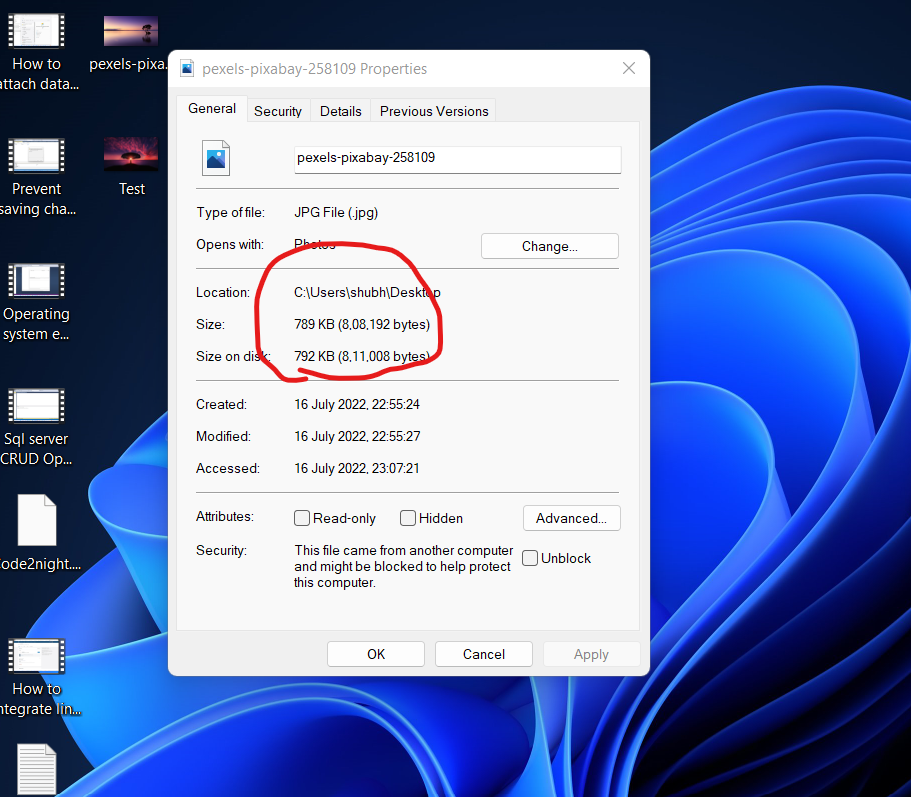

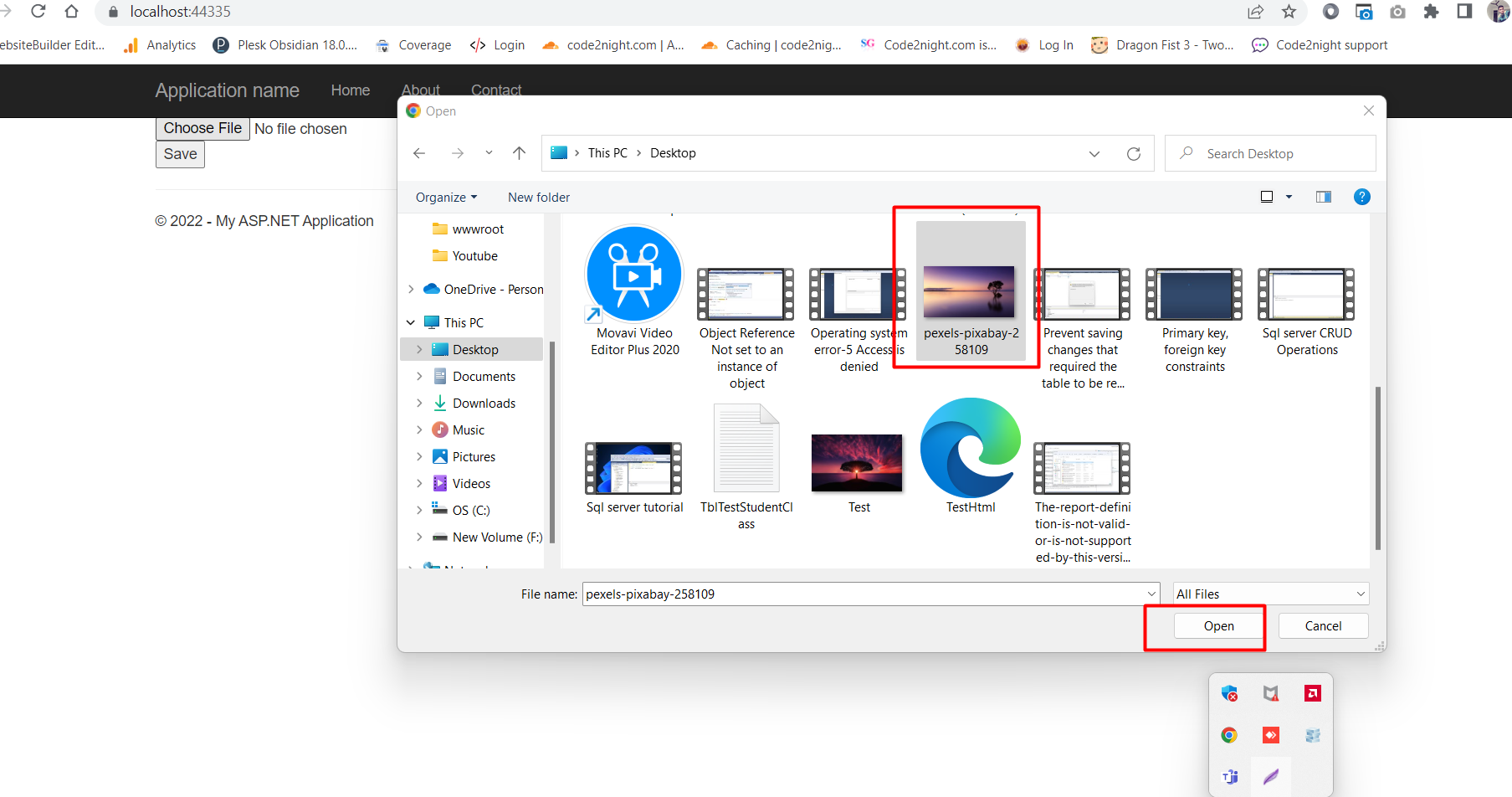
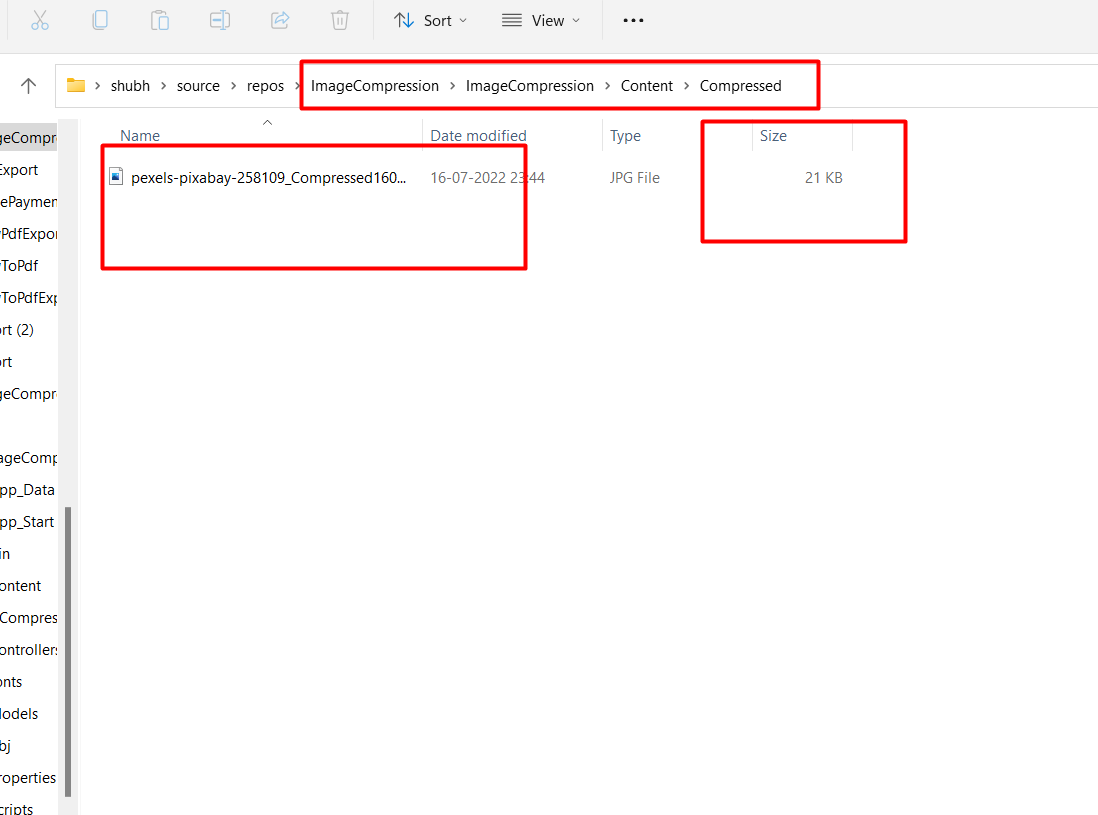
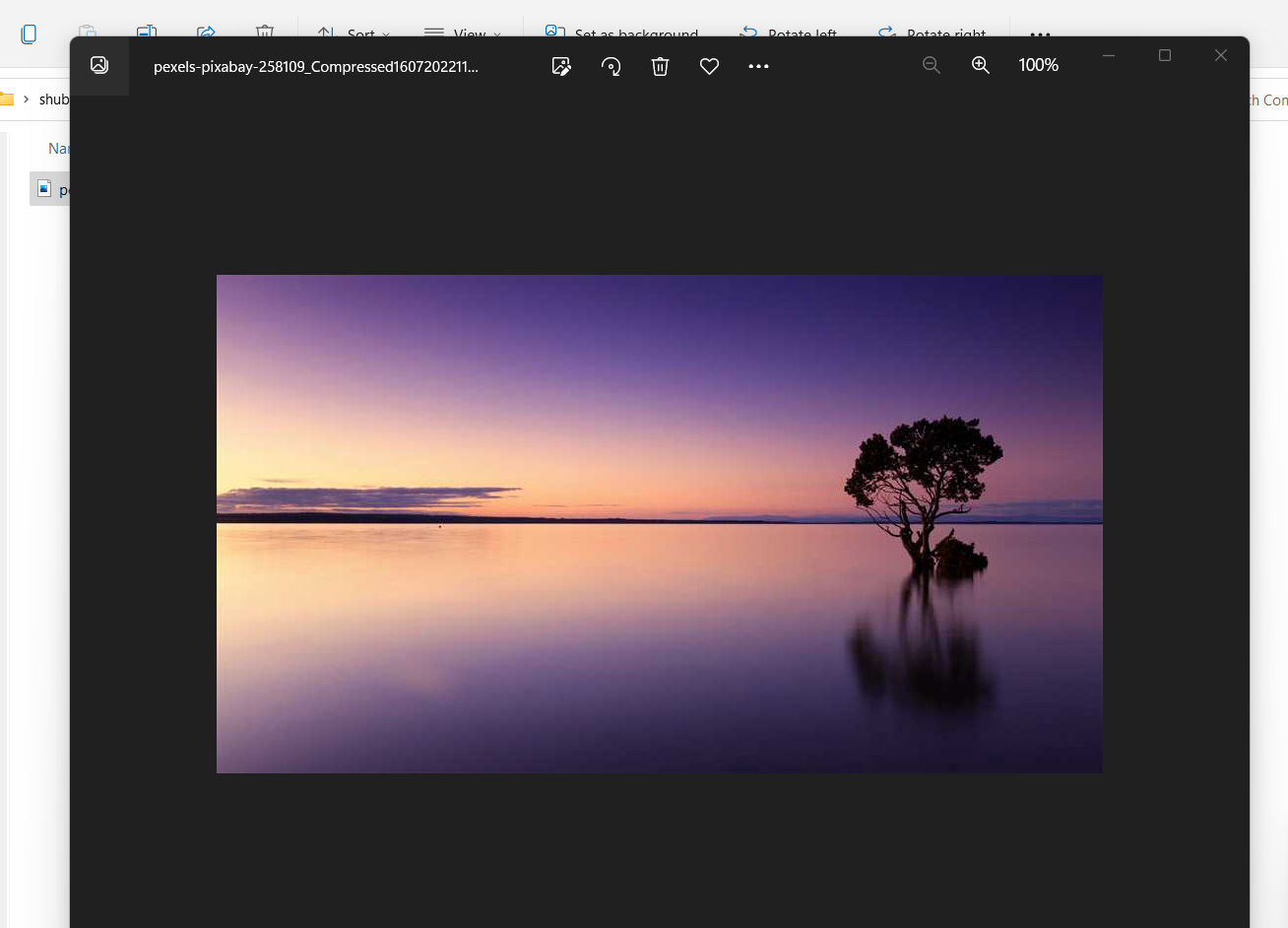
So, you can see the uploaded image size in first image and the compressed image size in the screenshots. So this is how you can compress image in asp.net mvc. You can also download the attached code.
