Screen Recording with Audio using JavaScript in ASP.NET MVC
Welcome to Code2Night! In this tutorial, we will guide you through the process of creating a screen recording with audio using the JavaScript MediaRecorder API in ASP.NET whether you're a developer looking to incorporate this functionality into your web application or simply someone interested in learning a new skill, we've got you covered. Follow along and by the end of this tutorial, you'll be able to create your own screen recording with audio using just a few lines of JavaScript code. Let's get started!
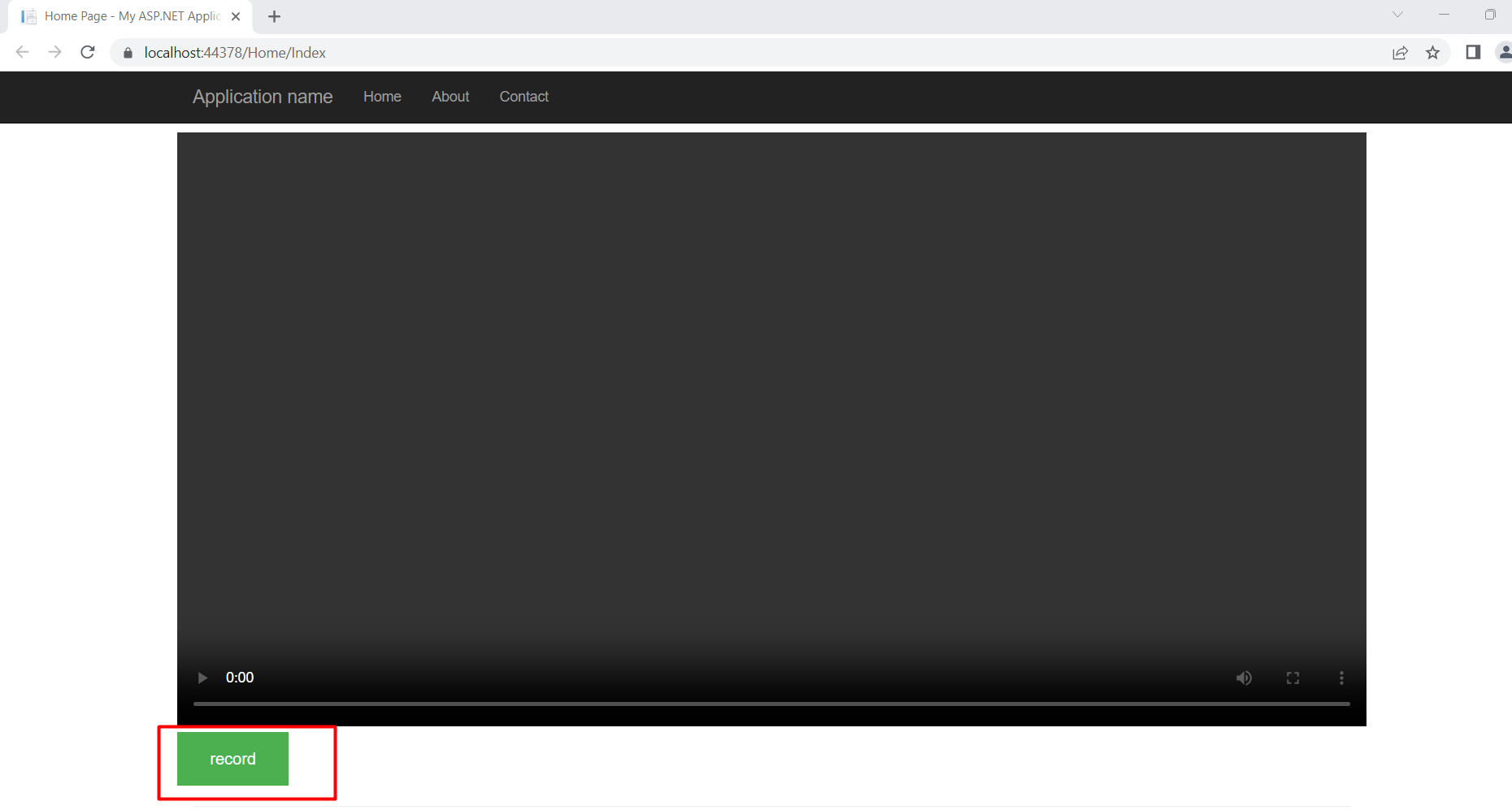
Create HTML file, in which we will have a record button and a video element where we can play the recorded video.
@{
    ViewBag.Title = "Home Page";
}

<style>
    .record-btn {
        background-color: #4CAF50; /* Green */
        border: none;
        color: white;
        padding: 15px 32px;
        text-align: center;
        text-decoration: none;
        display: inline-block;
        font-size: 16px;
    }
</style>
<div class="row" style="padding-top:10px">
    <video class="video" width="100%" controls></video>
    <button class="record-btn">record</button>
</div>
<script src="~/Content/index.js"></script>
And we also need a JS file so let's create the index.js
let btn = document.querySelector(".record-btn")

btn.addEventListener("click", async function () {
    let stream = await navigator.mediaDevices.getDisplayMedia({
        video: true
    })

    //needed for better browser support
    const mime = MediaRecorder.isTypeSupported("video/webm; codecs=vp9")
        ? "video/webm; codecs=vp9"
        : "video/webm"
    let mediaRecorder = new MediaRecorder(stream, {
        mimeType: mime
    })

    let chunks = []
    mediaRecorder.addEventListener('dataavailable', function (e) {
        chunks.push(e.data)
    })

    mediaRecorder.addEventListener('stop', function () {
        let blob = new Blob(chunks, {
            type: chunks[0].type
        })
        let url = URL.createObjectURL(blob)

        let video = document.querySelector("video")
        video.src = url

        let a = document.createElement('a')
        a.href = url
        a.download = 'video.webm'
        a.click()
    })

    //we have to start the recorder manually
    mediaRecorder.start()
})
Output