
Audio and Video Call Integration using QuickBlox
QuickBlox WebRTC SDK
So , quickblox is a third party library which is basically paid tool but we will use trial version and see how it works. So we will be using QuickBlox Javascript sdk which uses WebRTC to establish peer to peer connection.
So , first of all we need to create one quickblox account and you can follow the steps below
First of all open up the link QuickBlox Signup .
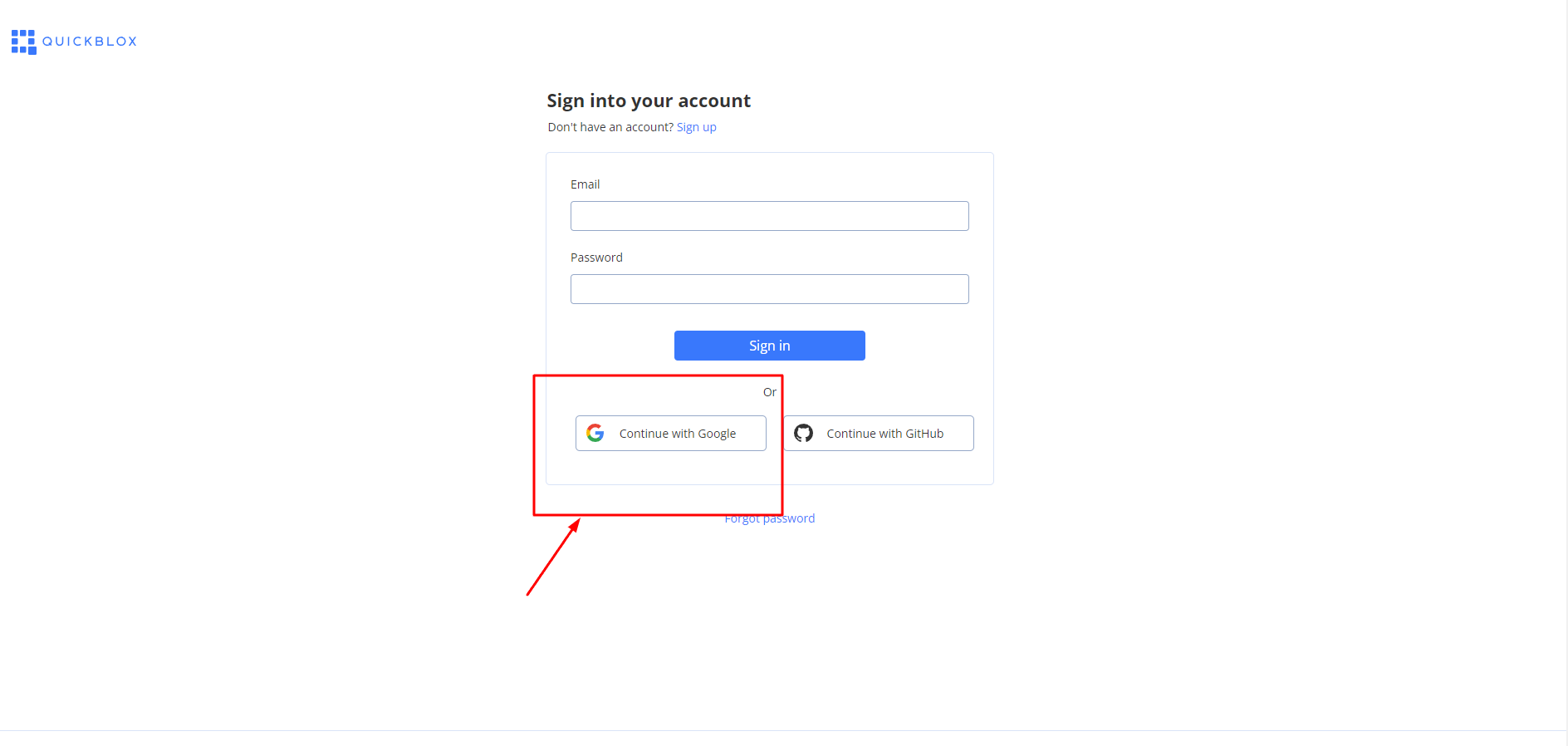
After clicking on this, you'll need to select your google account and then you'll see this screen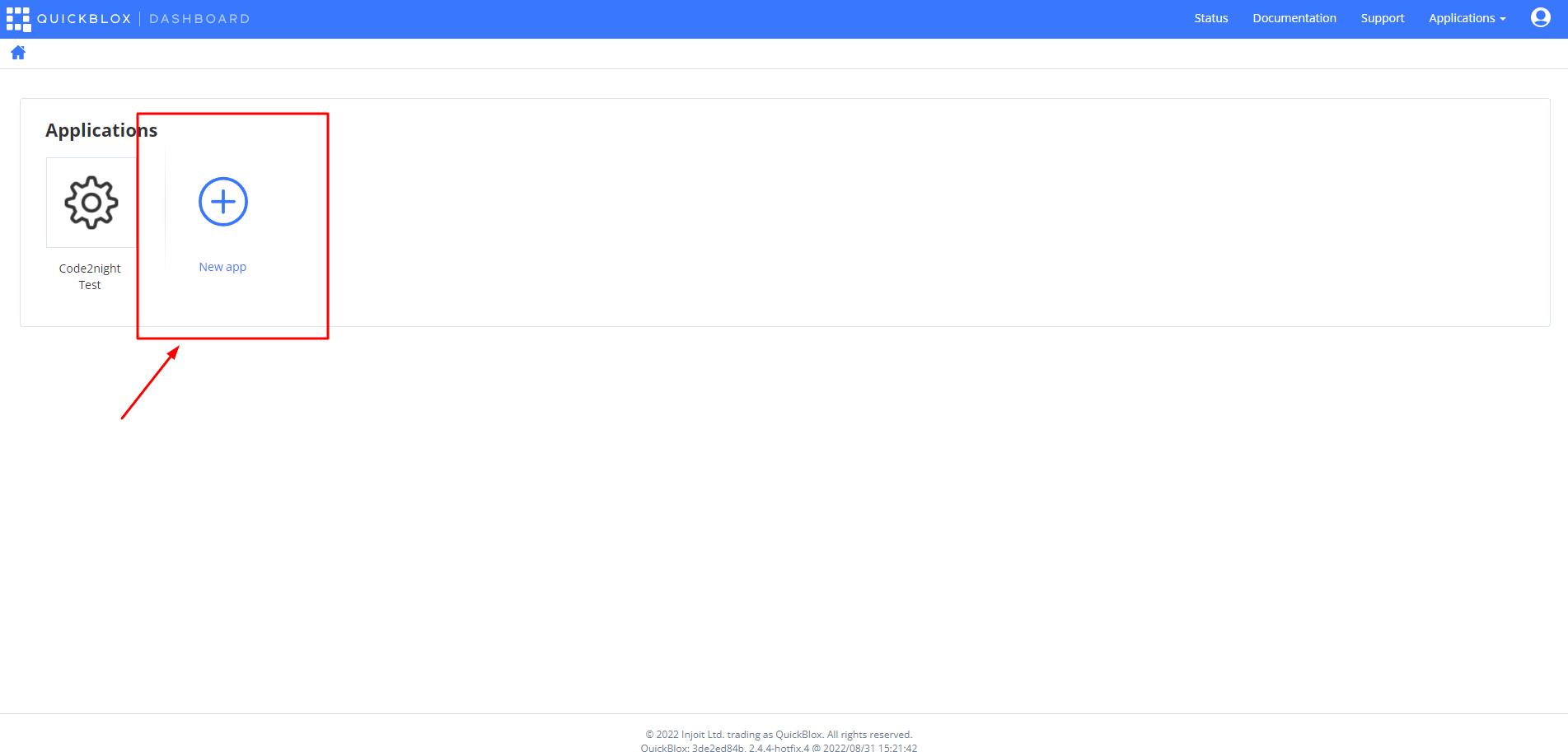
click on this button and then you will see the screen below
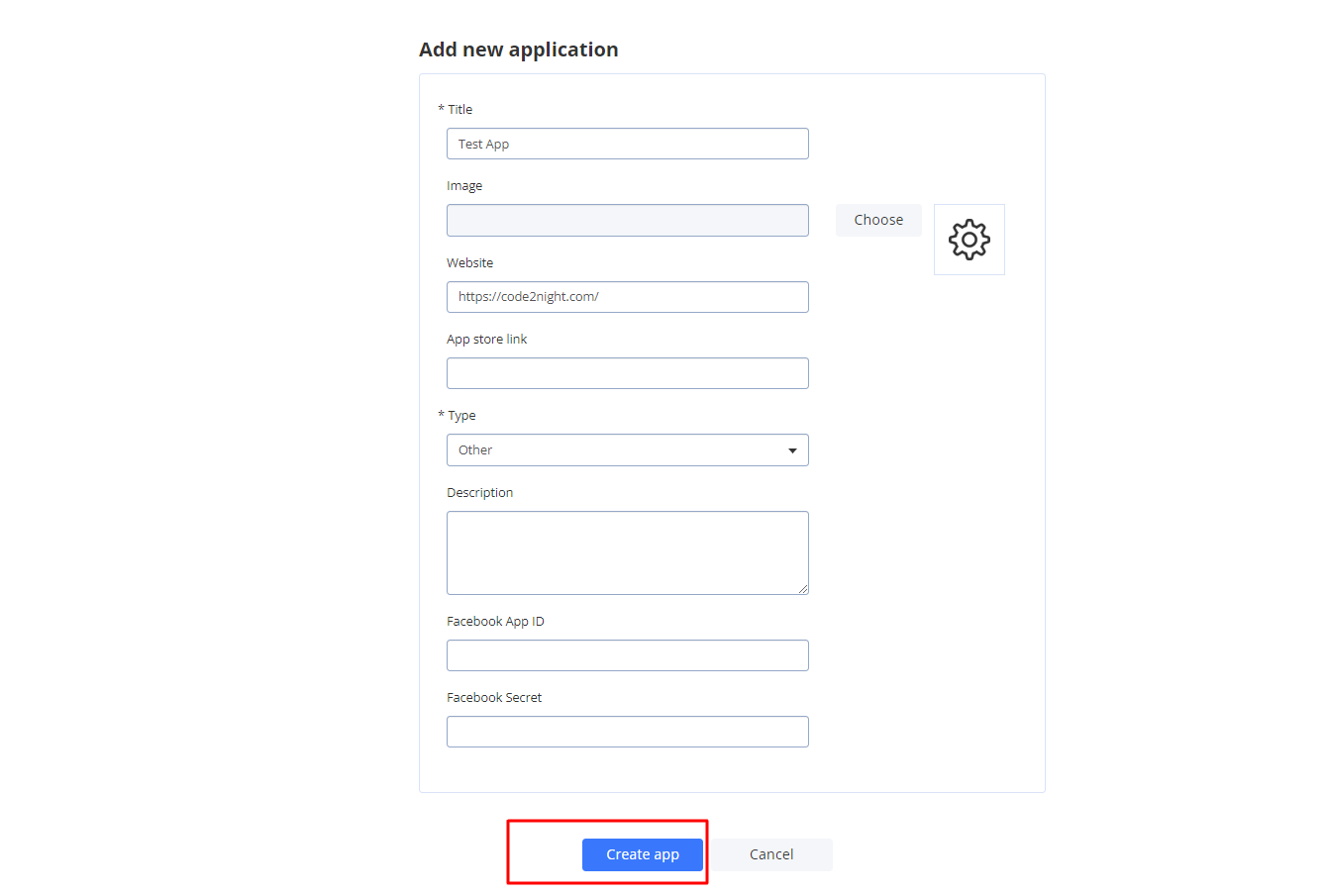 After filling the required details click on create app and you will see a screen with your credentials.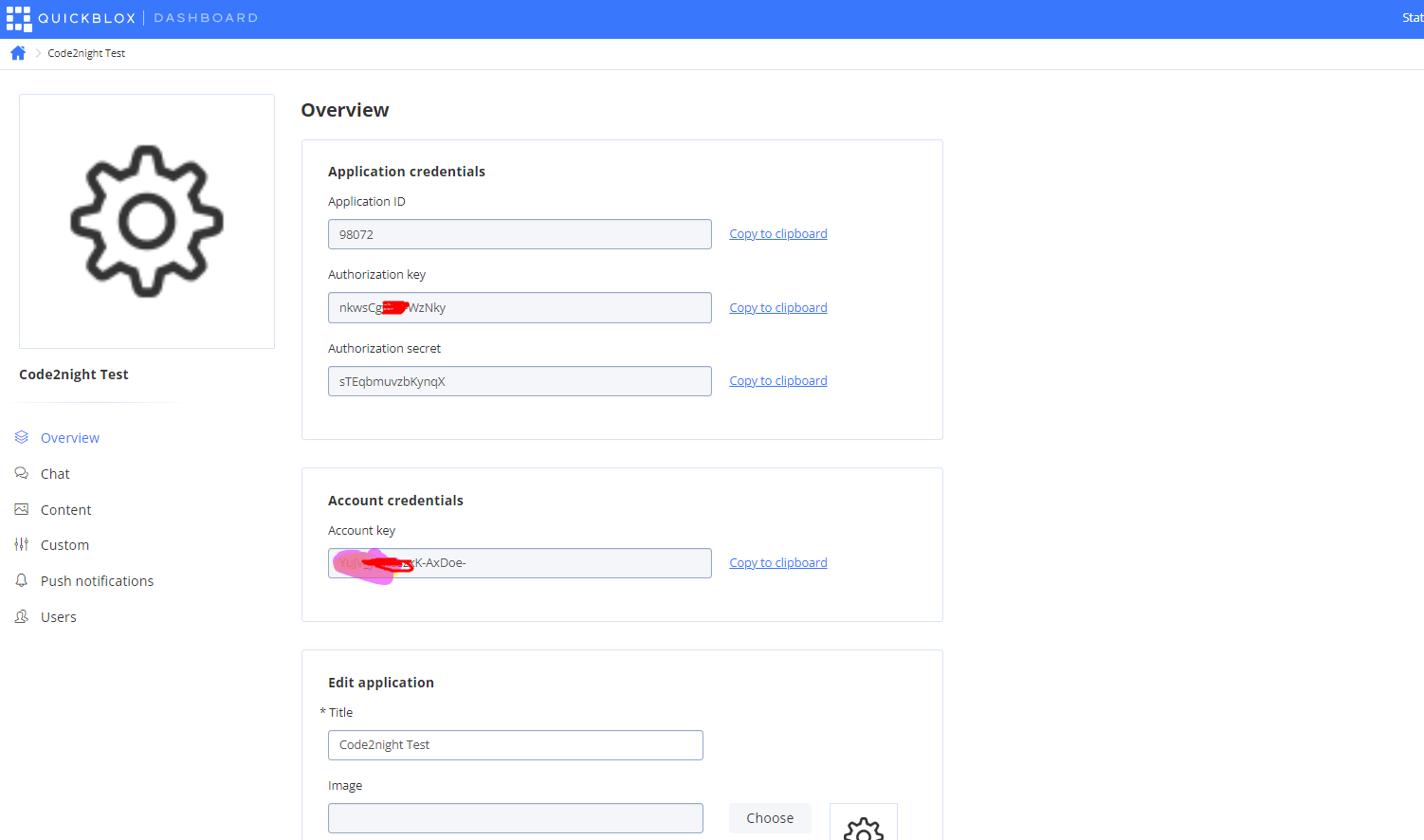
So these are the quickblox credentials that we will use later . So you have to download the sample code provided by quickblox from https://github.com/QuickBlox/quickblox-javascript-sdk . Download the code from there. And we have to set configuration of audio and video call.
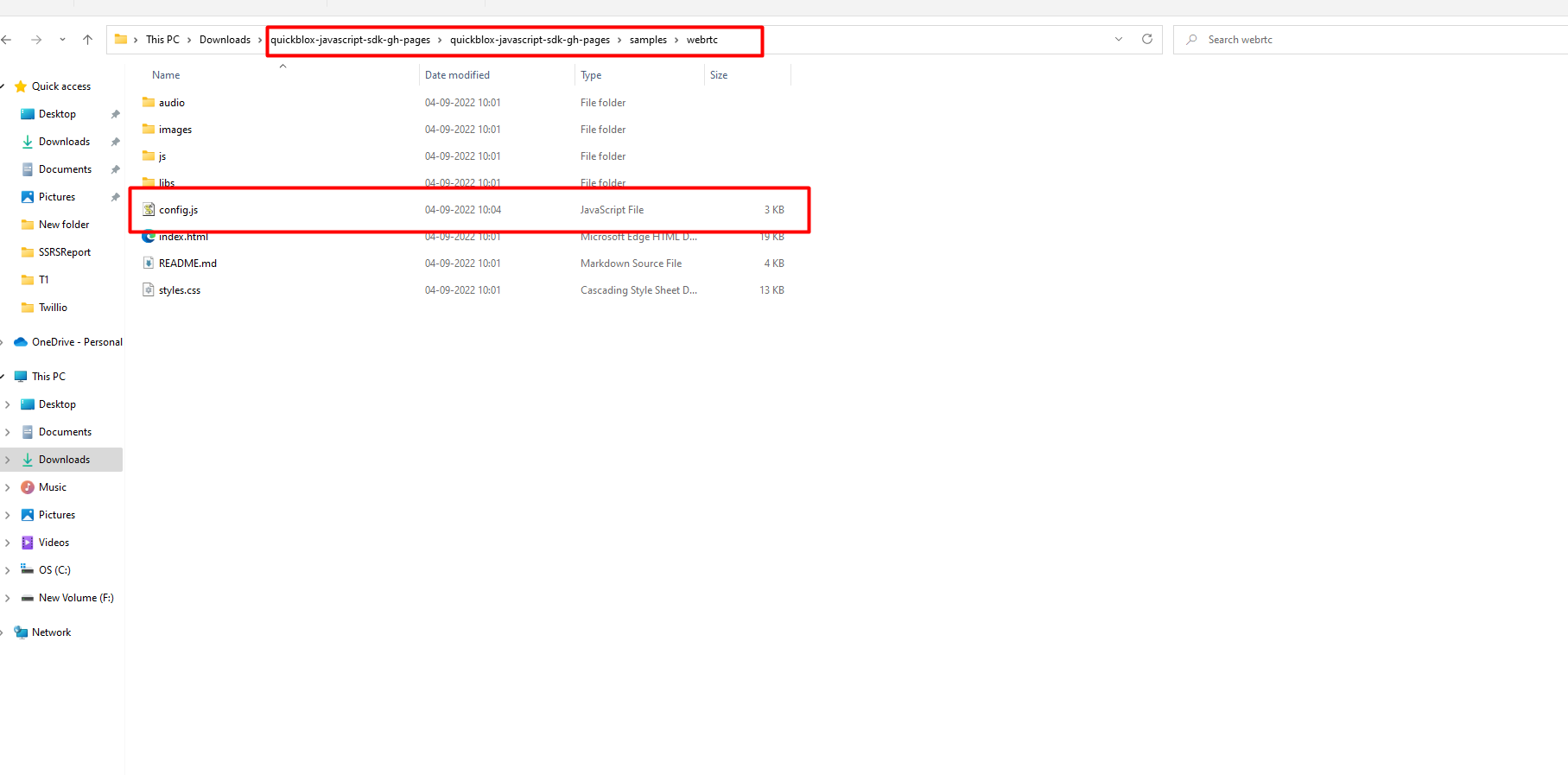 open this file in notepad and set the configurations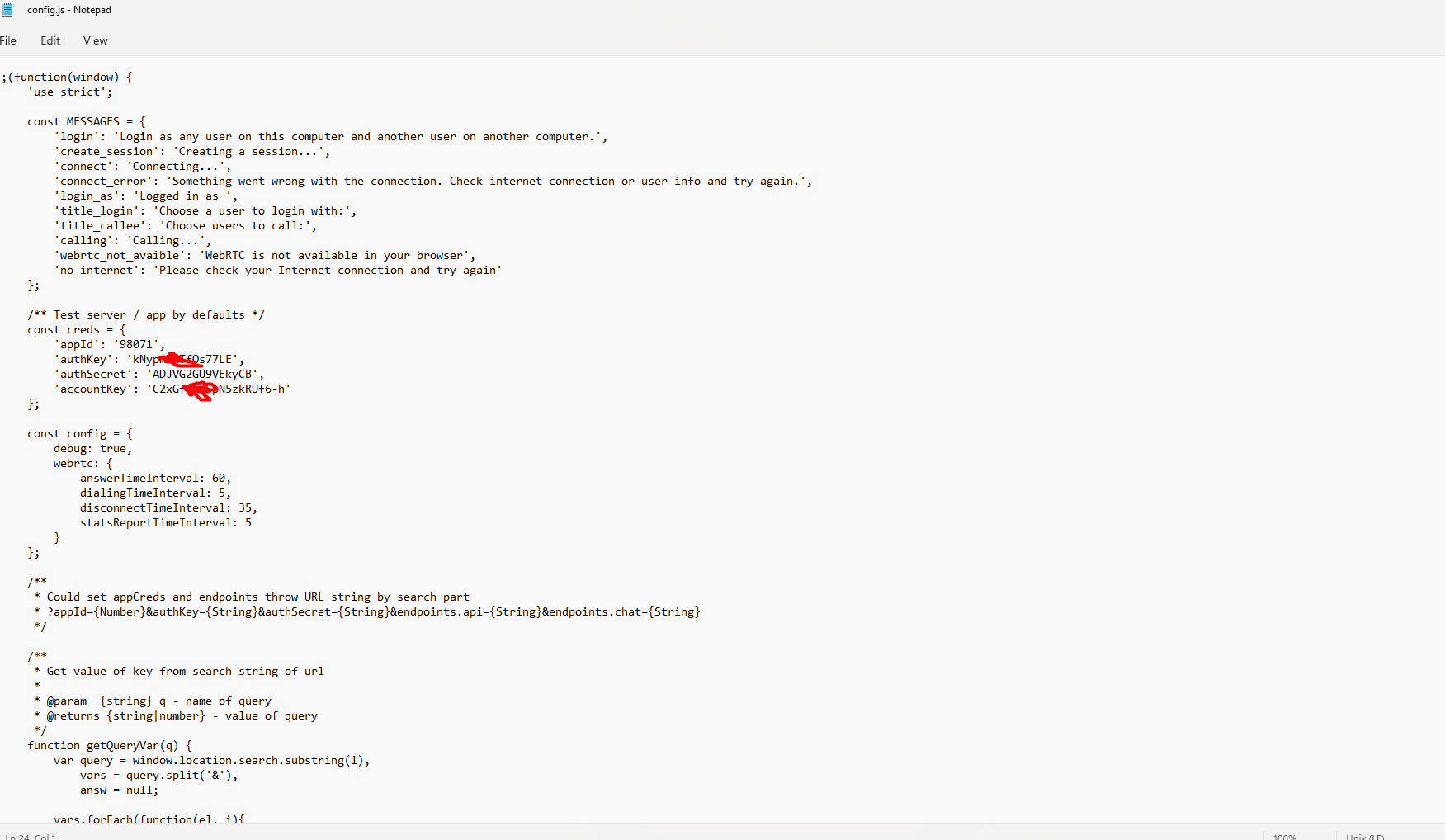
These are the credentials that we got after quickblox signup. So after you done those you are ready to test the sample code.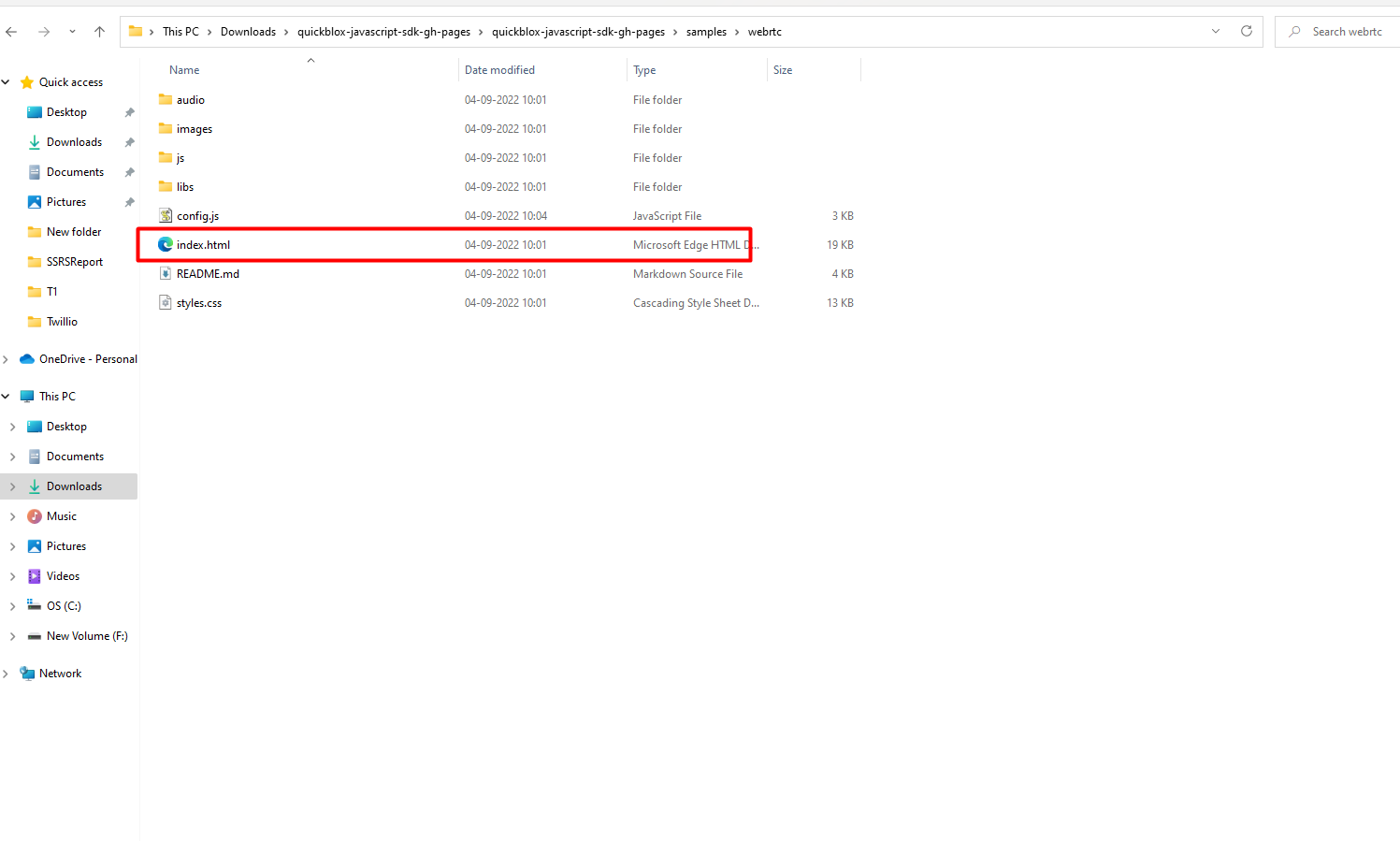
double click on index.html and you will go to browser and see this
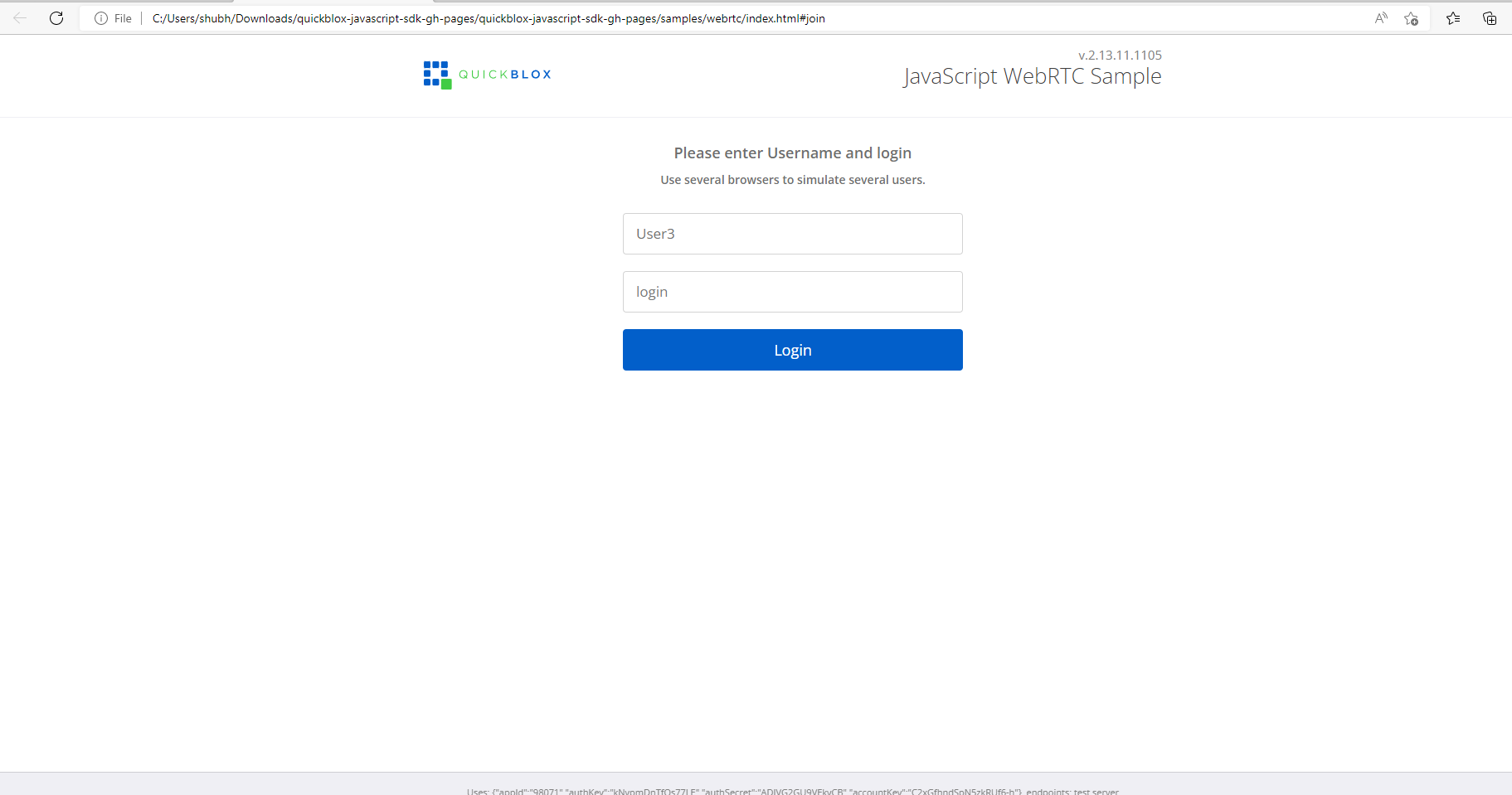
On this screen, put any username and any loginname. Don't put spaces there to avoid issues. After that click on login.
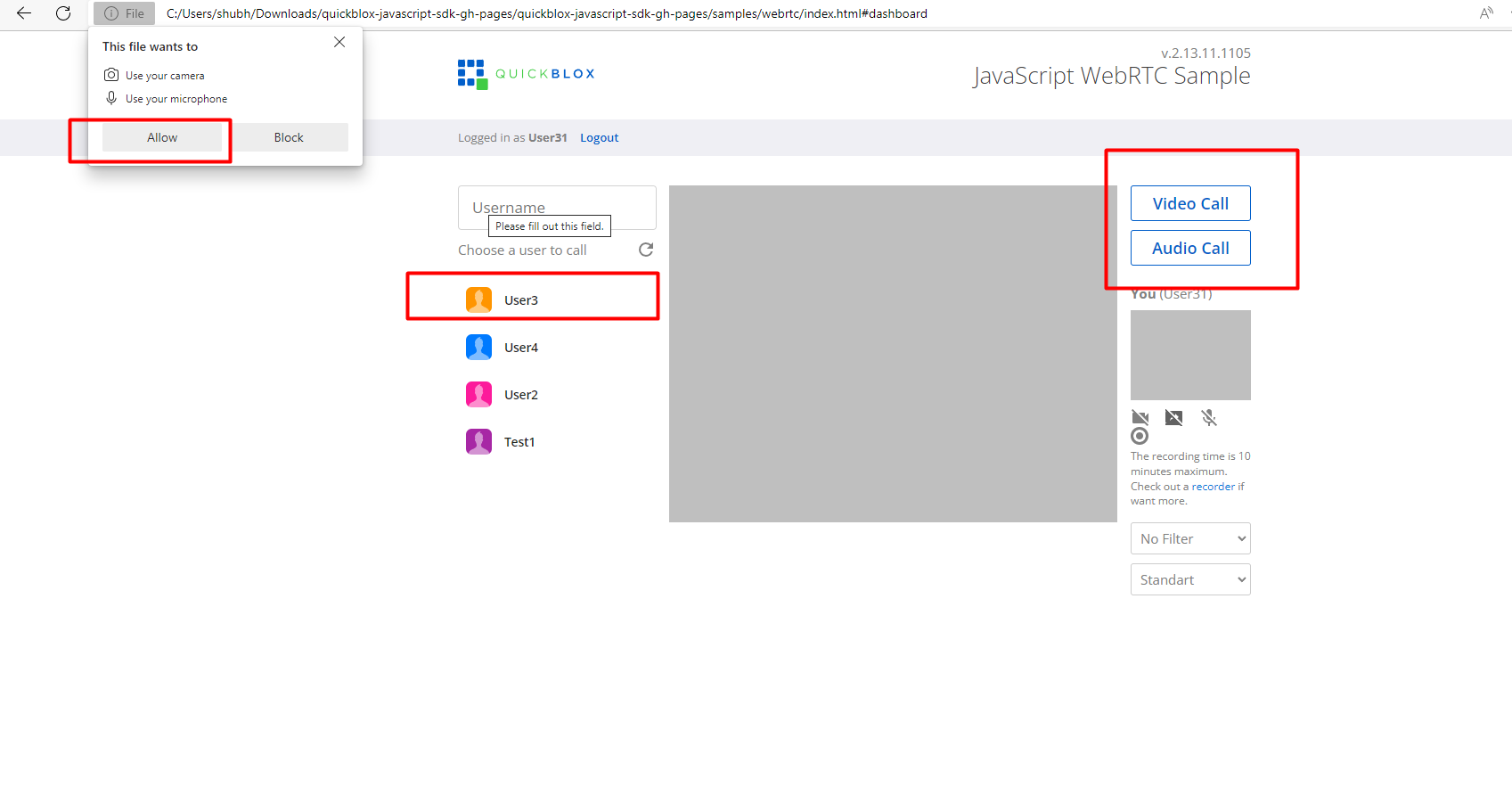 So after login , you will need to provide mic and camera permissions and then you can select any other user there. To test this you can run the same code from multiple machines.
After selecting the user you can click on Audio call and video call. 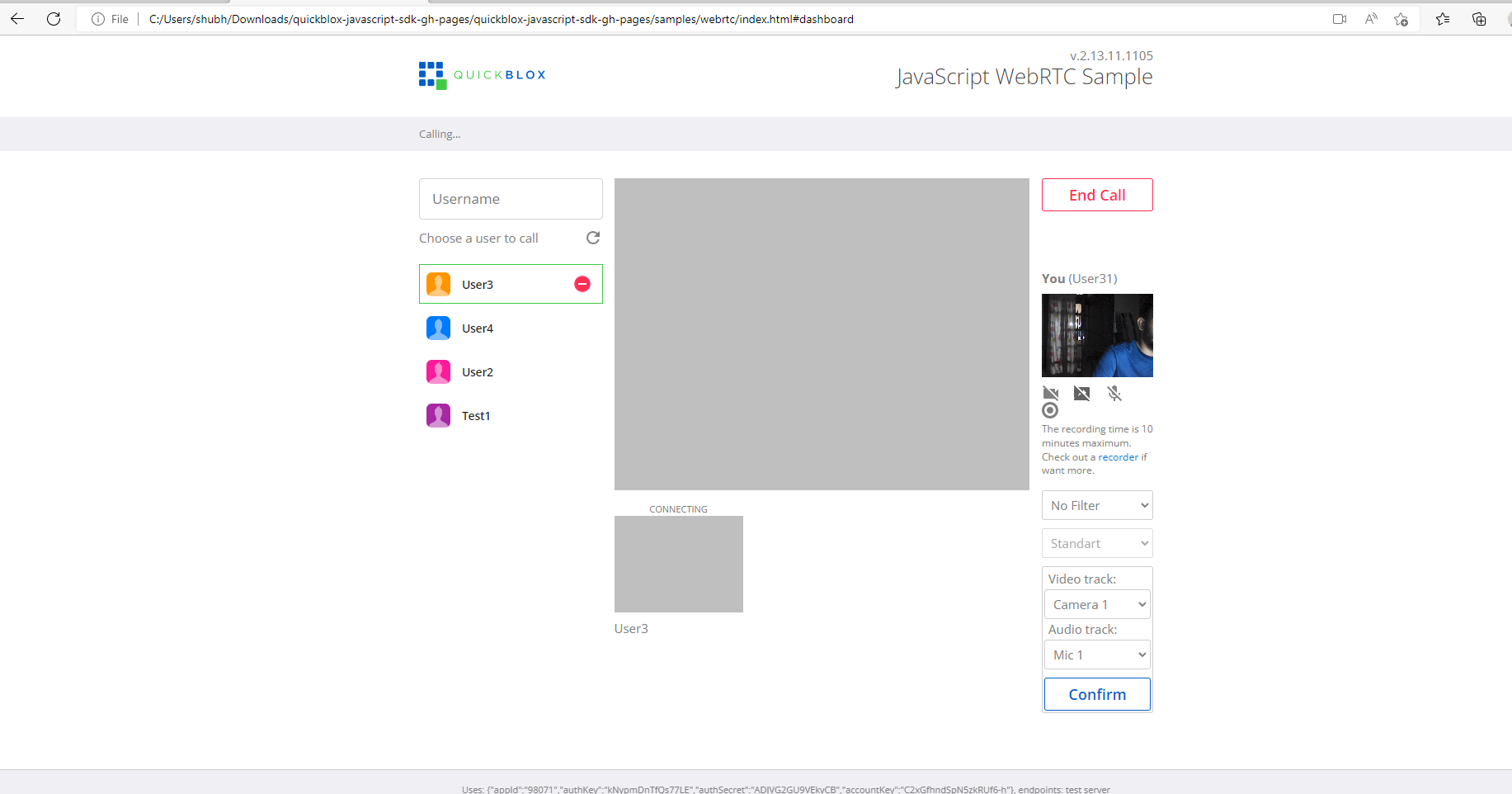
So, on the other system you will receiver a call request. You can accept or decline the request and then you can start talking. So this how can start javascript sdk for quickblox webrtc and we can do Audio and Video Call Integration using QuickBlox in any project by copying js files there.
