
Error-An error occurred while processing your request in .Net core IIS
Error. An error occurred while processing your request.
Hello guys sometimes when we publish out asp.net core application on IIS and if there is some error in the application code then it often redirect to Error screen having following message displayed in the screenshot below.
Error.
An error occurred while processing your request.
Request ID: 00-f00f219e17c51e6043908d6ae59e7c64-b20328e5bb969dbb-00
Development Mode
Swapping to Development environment will display more detailed information about the error that occurred.
The Development environment shouldn't be enabled for deployed applications. It can result in displaying sensitive information from exceptions to end users. For local debugging, enable the Development environment by setting the ASPNETCORE_ENVIRONMENT environment variable to Development and restarting the app.
So we will see how to fix following error in Asp.Net Core on IIS to display the exact error message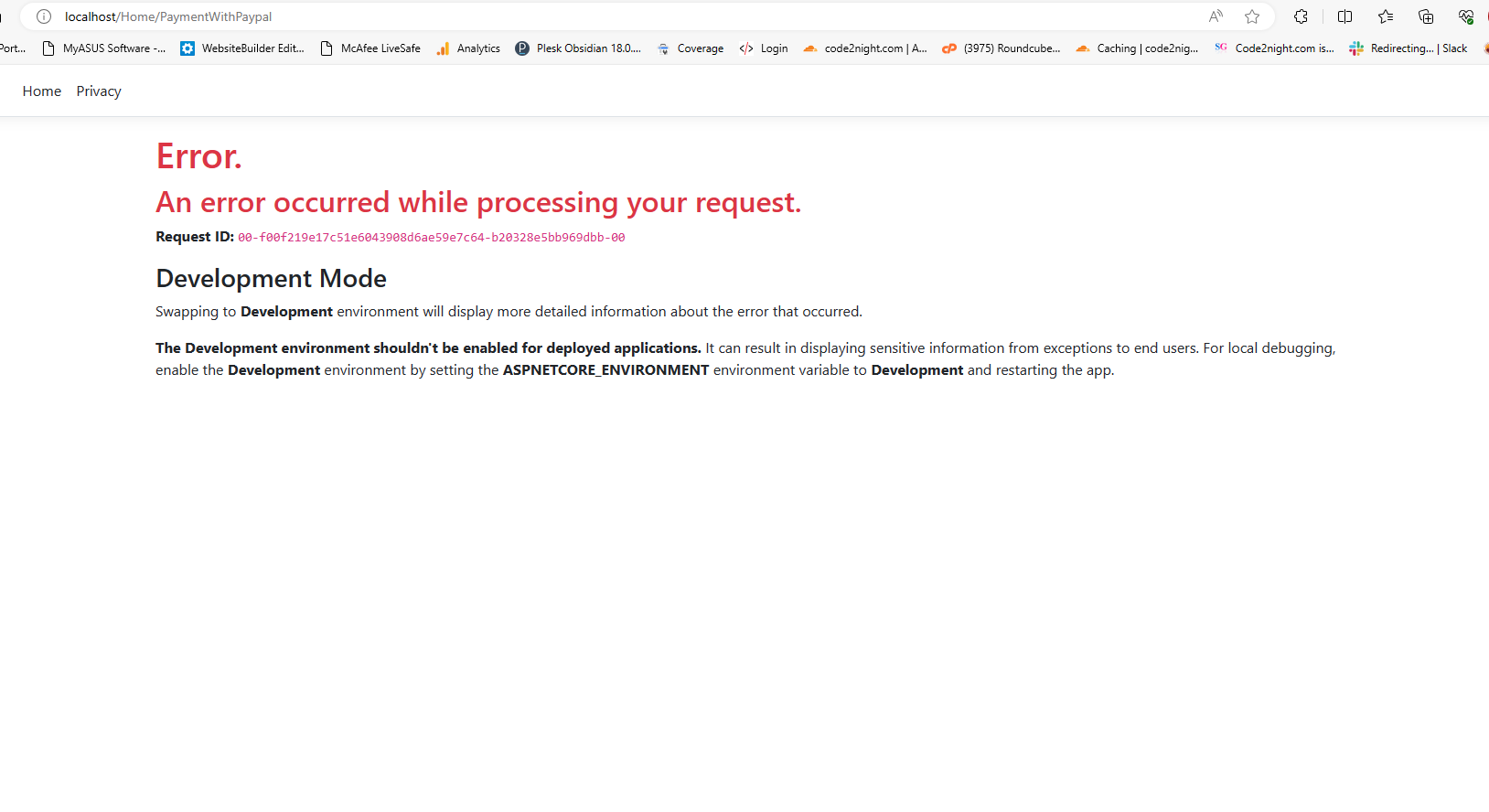
So this error generally shows up because of web config settings of our asp.net core application . To fix this you have to go to the webconfig of your application and edit that with notepad
Find following line in the web.config file
<aspNetCore processPath="dotnet" arguments=".\Yourapplication.dll" stdoutLogEnabled="false" stdoutLogFile=".\logs\stdout" hostingModel="inprocess" />
Replace that with following line, here change the name of application.exe file with your own application.exe file and then save it and restart the application.
<aspNetCore processPath=".\Yourapplication.exe" arguments="" stdoutLogEnabled="false" stdoutLogFile=".\logs\stdout" forwardWindowsAuthToken="false">
      <environmentVariables>
        <environmentVariable name="ASPNETCORE_ENVIRONMENT" value="Development" />
      </environmentVariables>
</aspNetCore>
Now just reload the application and it must show the exact error message faced by your application and you can fix that error.
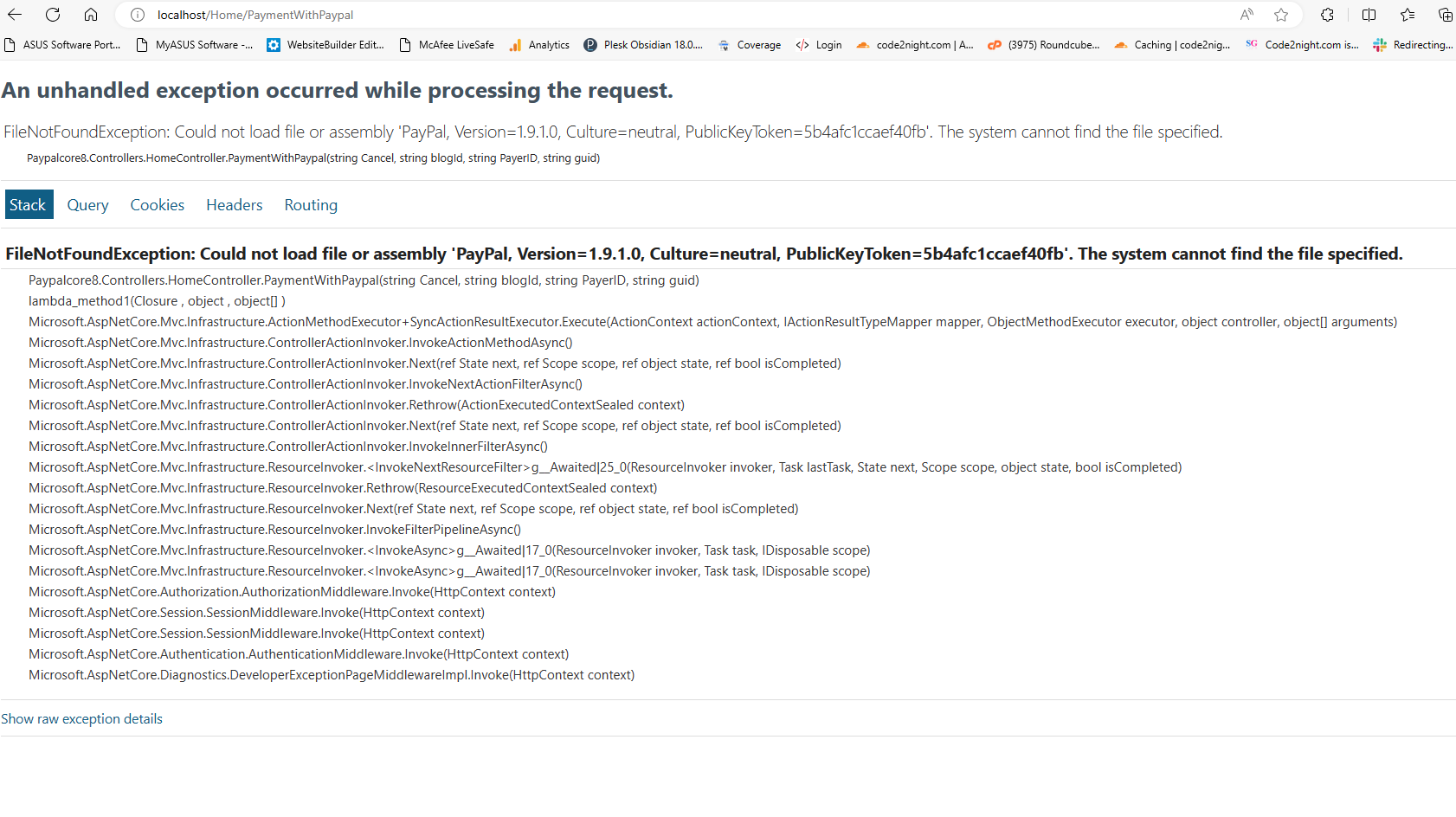 So this is how we can find the exact error message in the asp.net core application on IIS and fix Error-An error occurred while processing your request in .Net core IIS.
